This article may contain affiliate links. If you purchase through these links, we may earn a small commission at no extra cost to you.
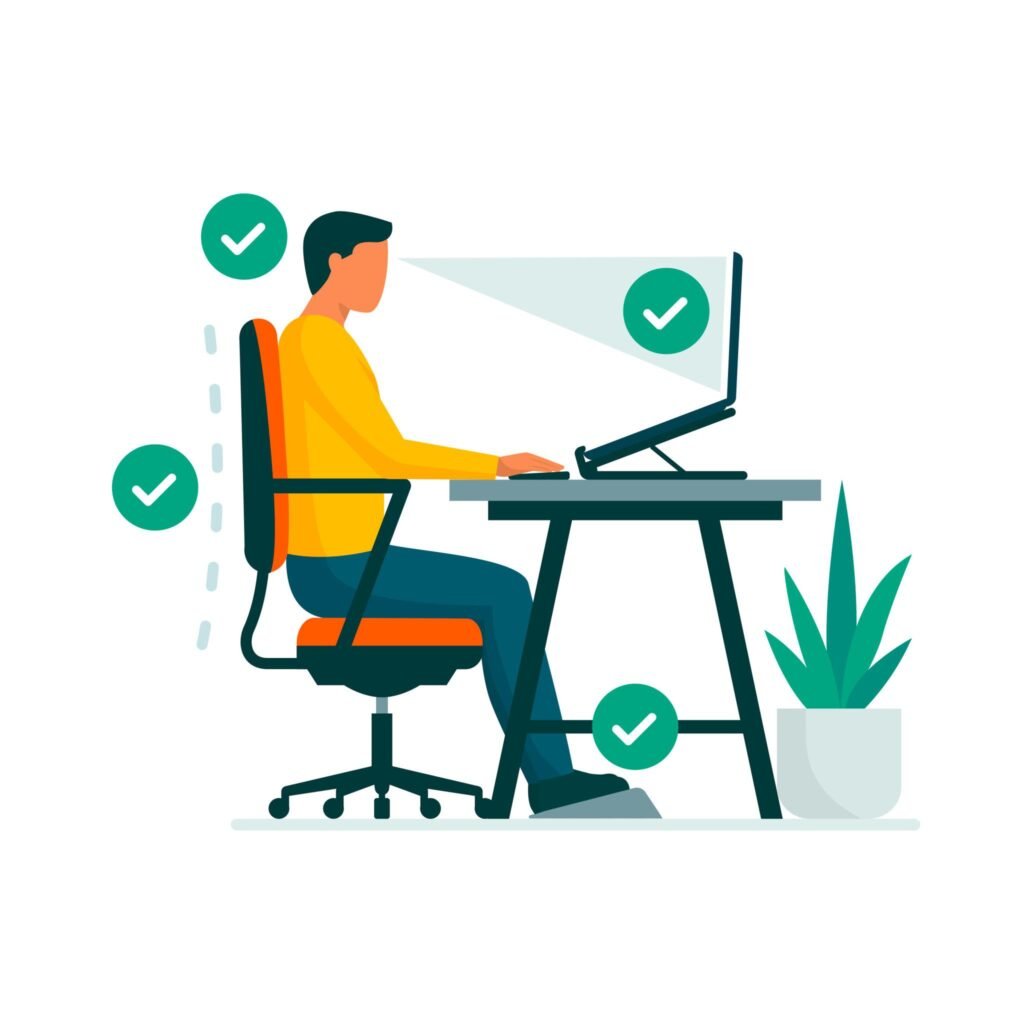
Ever thought your office work might slowly be harming your spine? Most people ignore small aches until they turn into daily pain. Learning the best posture for working at a desk can prevent that from happening.
The 90-degree rule keeps your joints aligned and your muscles relaxed. When your elbows, hips, and knees form right angles, pressure decreases and comfort increases.
Small adjustments today can prevent long-term pain tomorrow.
Key Takeaways
- Keep elbows, hips, and knees at roughly 90 degrees
- Feet flat on the floor or supported
- Monitor at eye level
- Lower back supported
- Wrists straight while typing
- Take micro-breaks every 30–60 minutes
Understanding the 90-Degree Rule for Desk Work
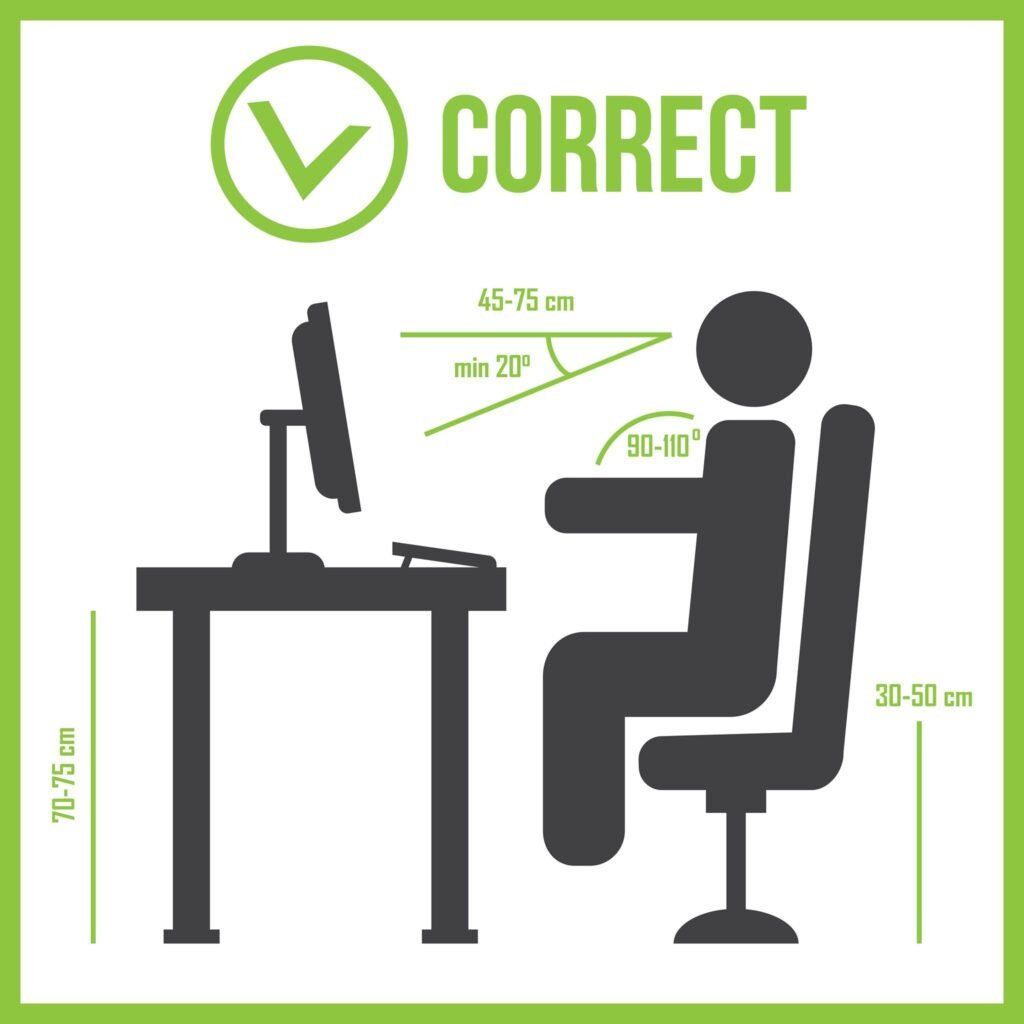
What Is the 90-Degree Rule?
The 90-degree rule means:
- Elbows bent at 90°
- Hips at 90°
- Knees at 90°
- Ankles neutral
- Wrists straight
To achieve this:
- Adjust chair height so feet are flat
- Sit back fully into lumbar support
- Position monitor 20–25 inches away
- Top of screen at eye level
Why Proper Desk Posture Matters for Your Health
Poor posture causes:
- Lower back pain
- Neck strain
- Shoulder tension
- Wrist pain
- Headaches
Correct posture reduces musculoskeletal stress and improves productivity.
If your workspace is causing fatigue or discomfort, read our full guide on how to make your desk more comfortable
Common Posture Problems When Working at a Desk
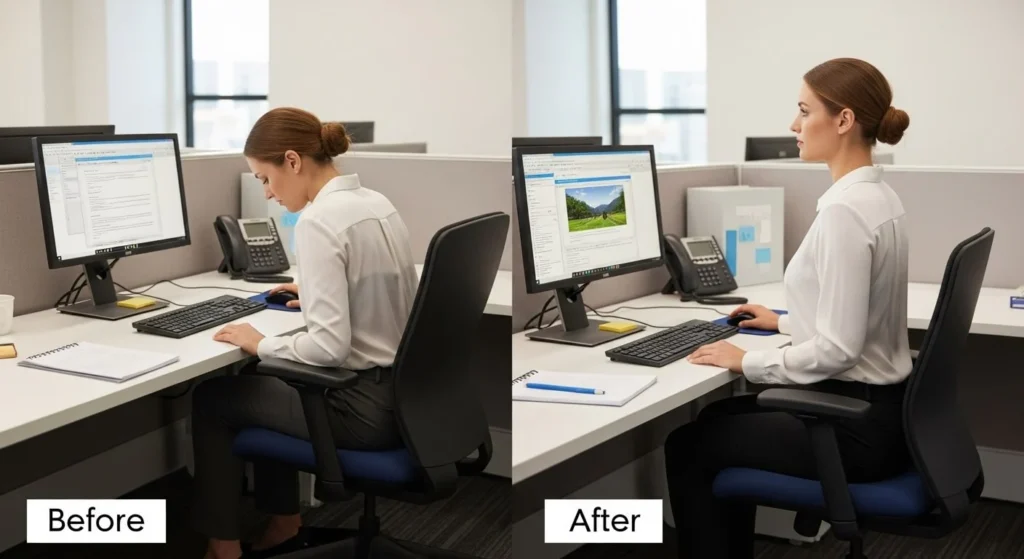
1. Slouching & Forward Head Posture
This flattens your lower back and strains your neck.
2. Incorrect Arm & Wrist Position
Bent wrists increase risk of strain and carpal tunnel.
3. Poor Leg & Feet Placement
Feet dangling reduces circulation and increases lower back pressure.
If you sit for long hours and feel back pressure, you may benefit from switching positions.
standing desk vs desk converter
Essential Products That Support the Best Posture for Working at a Desk
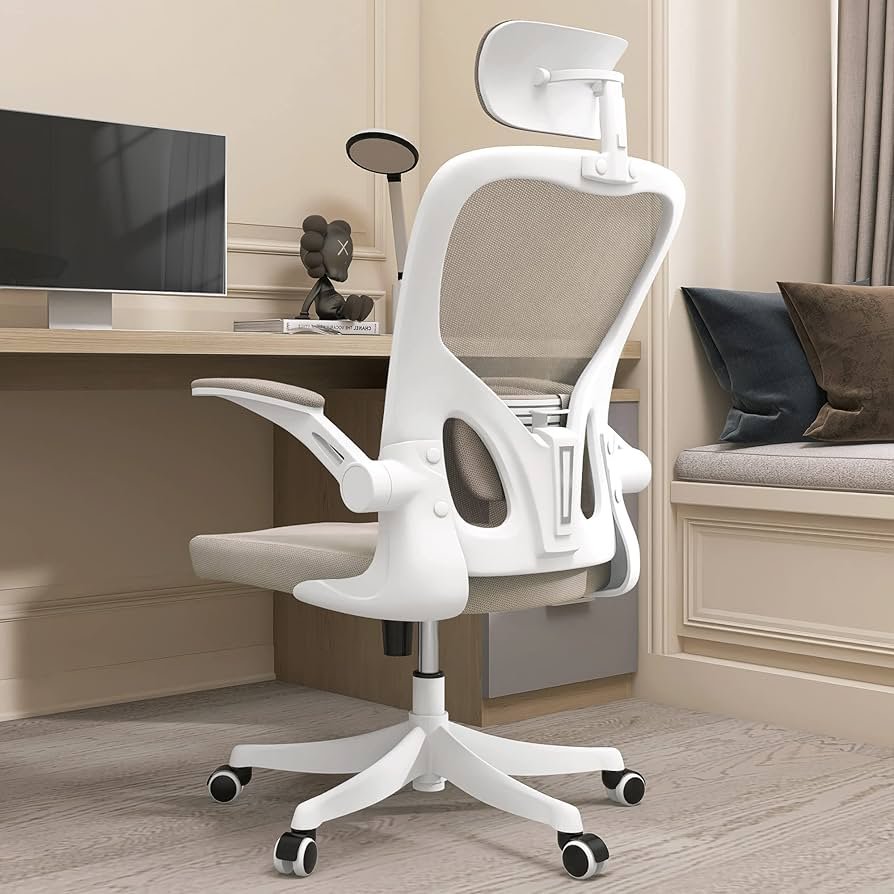
1. Ergonomic Office Chairs
Look for:
- Adjustable height
- Lumbar support
- Adjustable armrests
- Breathable cushion
2. Adjustable Standing Desks
Allows switching between sitting and standing to reduce pressure.
3. Monitor Arms & Stands
Keeps monitor at eye level to prevent neck strain.
Supportive Accessories for Maintaining the 90-Degree Rule
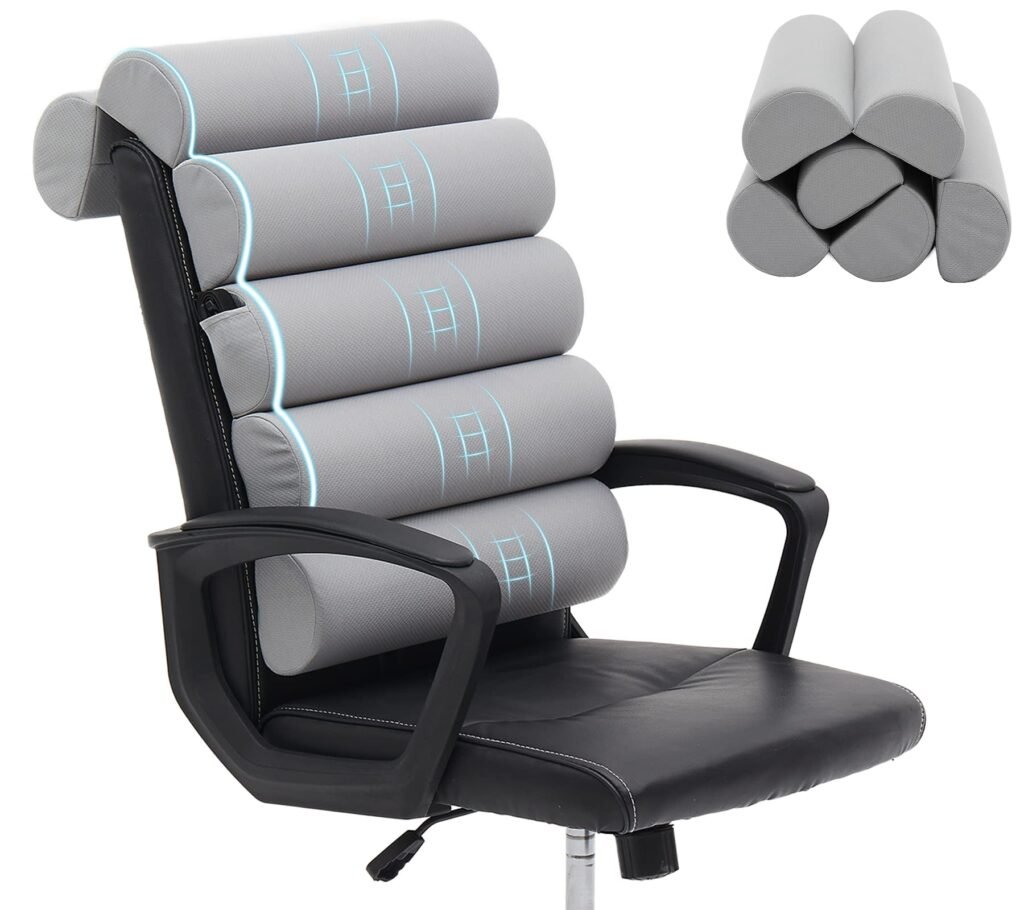
Lumbar Support Cushions
Maintains natural spine curve.
Footrests
Improves lower body alignment.
Keyboard Trays & Wrist Rests
Keeps elbows at 90° and wrists straight.
How to Choose the Right Ergonomic Setup
Choose based on:
- Your height
- Work hours per day
- Desk size
- Budget
Your setup should allow:
- Neutral spine
- Relaxed shoulders
- Elbows near body
- Monitor at eye level
Conclusion
Maintaining the best posture for working at a desk starts with the 90-degree rule.
When your joints align correctly and your desk supports your body, you reduce pain, improve comfort, and increase productivity.
Small adjustments create massive long-term benefits.
Your workspace should support your health — not damage it.