This post may contain affiliate links. If you purchase through these links, we may earn a small commission at no extra cost to you.
If your eyes feel tired, dry, or strained after working on a computer… your lighting setup is likely the problem.
Most people focus on screens, chairs, and desks — but lighting is one of the biggest factors affecting comfort, productivity, and long-term eye health.
The good news? You can fix it fast.
This guide shows you the best lighting setup for computer work so you can reduce eye strain, improve focus, and feel better throughout the day.
🔥 Key Takeaways
- Poor lighting causes eye fatigue, headaches, and reduced focus
- The right lighting setup balances screen brightness with your environment
- Desk lamps, ambient lighting, and positioning all matter
- Small changes can instantly improve comfort and productivity
🧠 Why Lighting Matters for Computer Work
👉 Your overall desk setup plays a huge role in comfort and productivity.
If you want to improve your full workspace, check this guide!
When your lighting is too dim or too harsh, your eyes constantly adjust — leading to strain and fatigue.
Common problems include:
- Bright screen in a dark room
- Overhead glare reflecting on your monitor
- Uneven lighting causing contrast imbalance
- Harsh blue or cool-toned lights
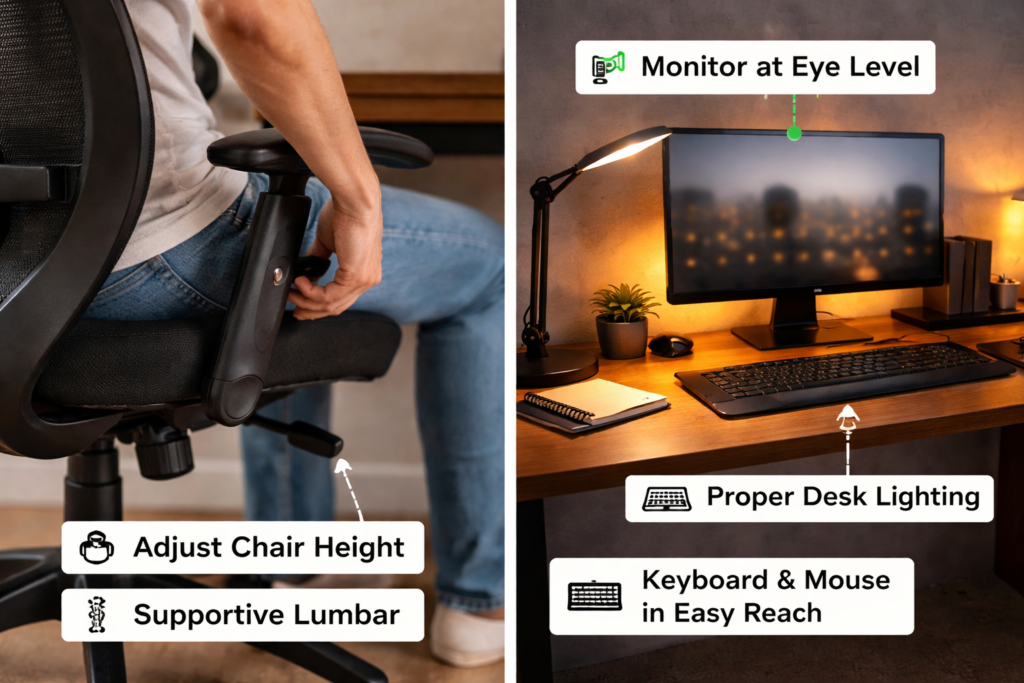
A complete workspace setup plays a major role in comfort and productivity. Improving your chair height, monitor position, desk lighting, and keyboard placement can make computer work much more comfortable.
💡 The Best Lighting Setup (Step-by-Step)
1. Use Soft Ambient Lighting
Never work in a completely dark room.
Instead:
- Use soft room lighting
- Avoid strong overhead lights directly above your screen
- Keep lighting balanced across the room
This reduces contrast between your screen and surroundings.
2. Add a Desk Lamp (CRITICAL)
A good desk lamp is one of the fastest ways to reduce eye strain.
Look for:
- Adjustable brightness
- Warm or neutral light (3000K–4000K)
- Flexible positioning
A complete workspace setup plays a major role in comfort and productivity. Improving your chair height, monitor position, desk lighting, and keyboard placement can make computer work much more comfortable.
3. Position Lighting Correctly
Lighting placement matters just as much as brightness.
Best positioning:
- Light source beside your monitor (not behind it)
- Avoid direct light shining into your eyes
- Prevent glare on your screen
4. Match Screen Brightness to Your Room
Your screen should not be dramatically brighter than your environment.
Quick rule:
- If your screen feels like a flashlight → too bright
- If you’re squinting → too dim
Balanced lighting = less eye strain.
5. Use Bias Lighting Behind Your Monitor
Bias lighting = soft light behind your screen.
Benefits:
- Reduces contrast
- Improves visual comfort
- Helps with long work sessions
This is one of the most underrated upgrades.
⚡ Common Lighting Mistakes to Avoid
- Working in a dark room
- Using only overhead lighting
- Placing lights directly behind your screen
- Using overly cool (blue) lighting
- Ignoring glare on your monitor
Fixing just ONE of these can make a big difference.
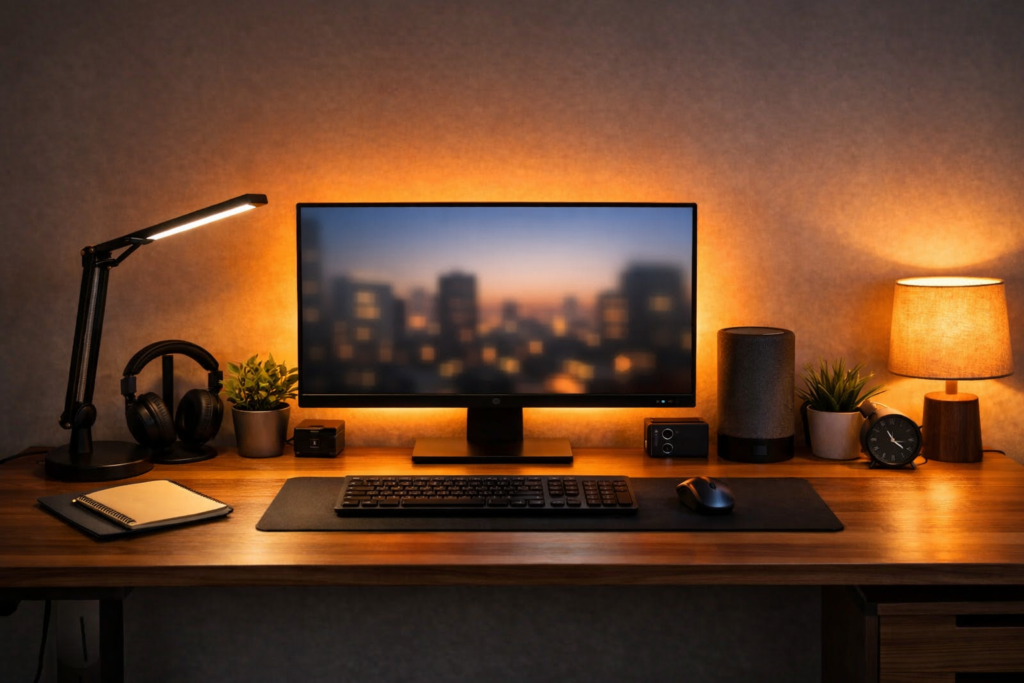
🚀 Best Lighting Setup Example
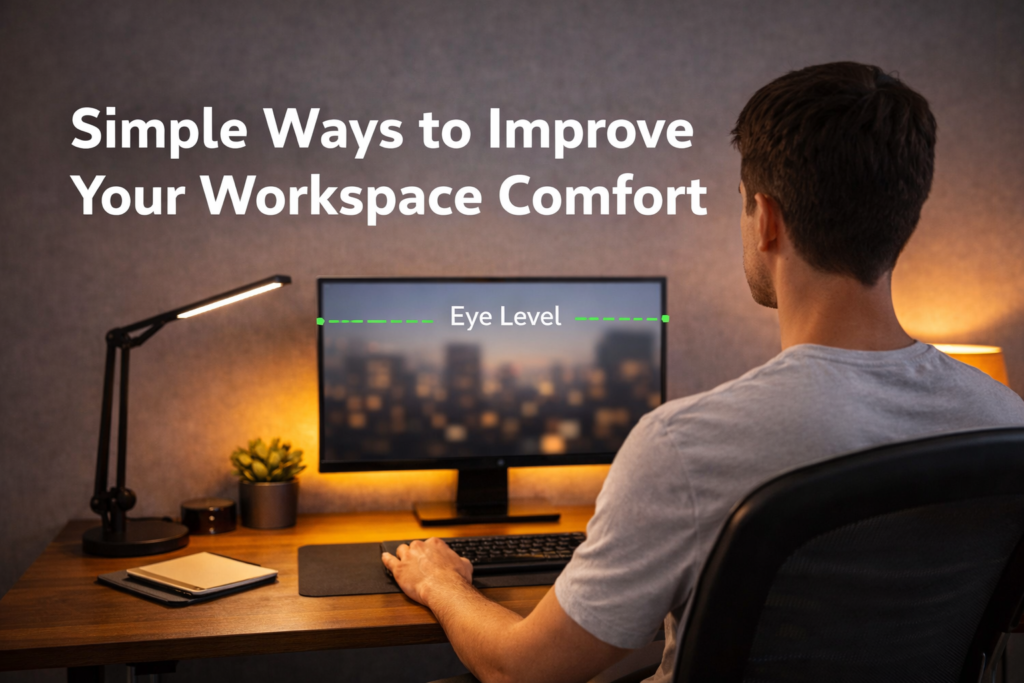
Here’s a simple high-performance setup:
- Soft ambient room lighting
- Adjustable LED desk lamp
- Bias lighting behind monitor
- Proper light positioning (no glare)
Want to upgrade your entire workspace for maximum comfort? Start by improving your desk lighting, screen position, sitting posture, and overall workstation layout.
🧾 Final Thoughts
The best lighting setup for computer work doesn’t have to be complicated.
Small changes — like adding a desk lamp or adjusting light placement — can instantly reduce eye strain and improve your daily comfort.
If you work at a computer for hours each day, this is one of the highest-impact upgrades you can make.