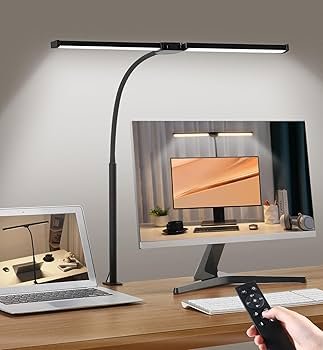
Learn the best lighting setup for computer work to reduce eye strain, improve focus, and create a comfortable, productive workspace.
If you spend hours in front of a computer, your lighting setup can either support your focus—or slowly drain your energy.
Most people don’t realize this, but poor lighting is one of the biggest causes of eye strain, headaches, and fatigueduring work.
The good news? Fixing it is simple.
This guide will show you exactly how to create the best lighting setup for computer work so you can stay comfortable, focused, and productive every day.
Why Lighting Matters for Computer Work
Your eyes are constantly adjusting to light.
When your workspace has:
- Harsh glare
- Uneven lighting
- A bright screen in a dark room
Your eyes work harder than they should.
That’s when problems start:
- Eye fatigue
- Blurry vision
- Headaches
👉 Lighting plays a huge role in reducing eye strain—this setup guide explains everything step-by-step:
The Ideal Lighting Setup (Simple & Effective)
You don’t need a complicated setup.
You just need the right combination of light sources.
1. Use a Desk Lamp for Focused Lighting
A desk lamp provides direct, controlled light.
Position it:
- To the side of your monitor
- Aimed at your desk—not your eyes
This prevents glare and keeps your workspace evenly lit.
2. Add Ambient Lighting to Balance the Room
Working in a dark room with a bright screen is one of the worst things for your eyes.
Fix this by:
- Turning on overhead lights
- Using soft room lighting
This reduces contrast and makes your screen easier to look at.
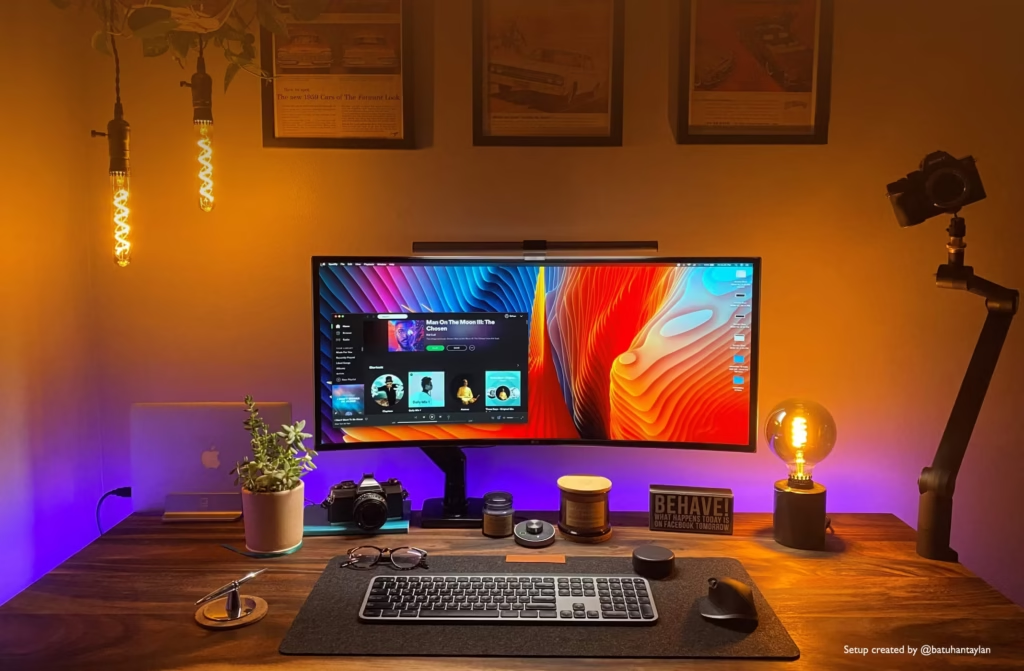
balanced desk lighting setup with lamp and ambient light
3. Choose the Right Light Temperature
Not all light is the same.
For computer work:
- Warm light (3000K–4000K) → Best for comfort
- Cool light (5000K+) → Can cause strain
Stick with neutral lighting for long sessions.
4. Eliminate Screen Glare Completely
Glare is one of the biggest hidden problems.
To fix it:
- Adjust your lamp angle
- Avoid placing lights behind your screen
- Keep light sources indirect
👉 Proper lamp positioning makes a big difference—learn the correct setup here:
🖼 IN-ARTICLE IMAGE
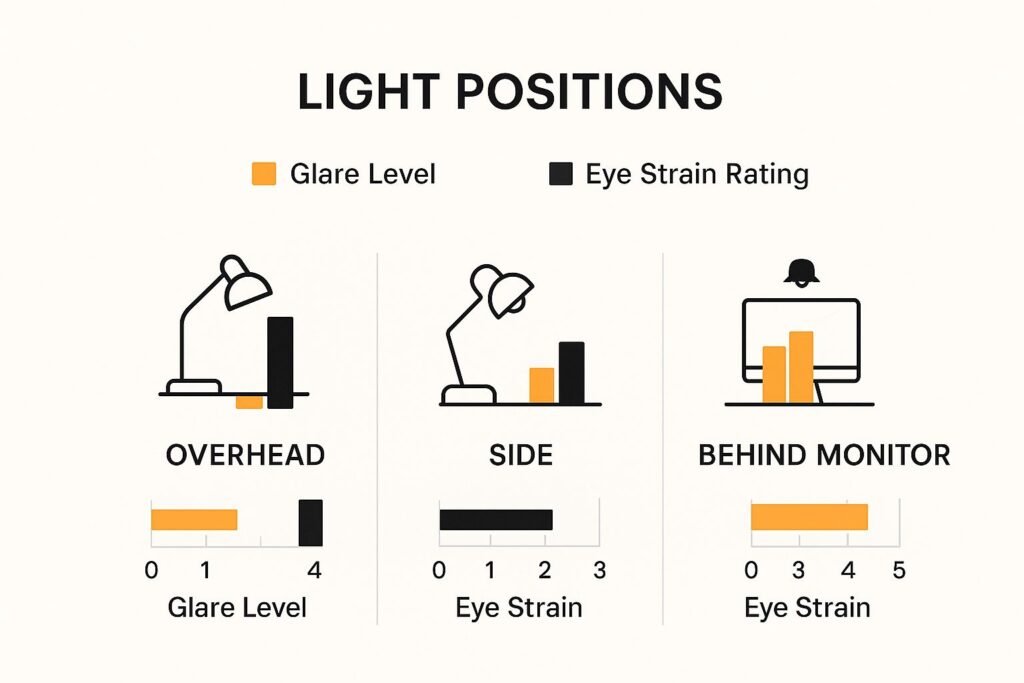
ALT: poor vs proper desk lighting comparison
Common Lighting Mistakes to Avoid
Most people unknowingly create eye strain with these mistakes:
- Working in a dark room
- Using only overhead lighting
- Placing a lamp directly behind the screen
- Using harsh white light
Avoiding these alone can instantly improve comfort.
Simple Setup That Works for Anyone
If you want a quick solution, use this:
- Desk lamp on the side
- Soft ambient lighting in the room
- Neutral light temperature
- No glare on your screen
That’s it.
Final Thoughts
The right lighting setup can completely change how you feel at your desk.
With just a few adjustments, you can:
- Reduce eye strain
- Improve focus
- Work longer without fatigue
And best of all—you don’t need anything complicated to make it happen.
This post may contain affiliate links. If you purchase through these links, we may earn a commission at no extra cost to you.