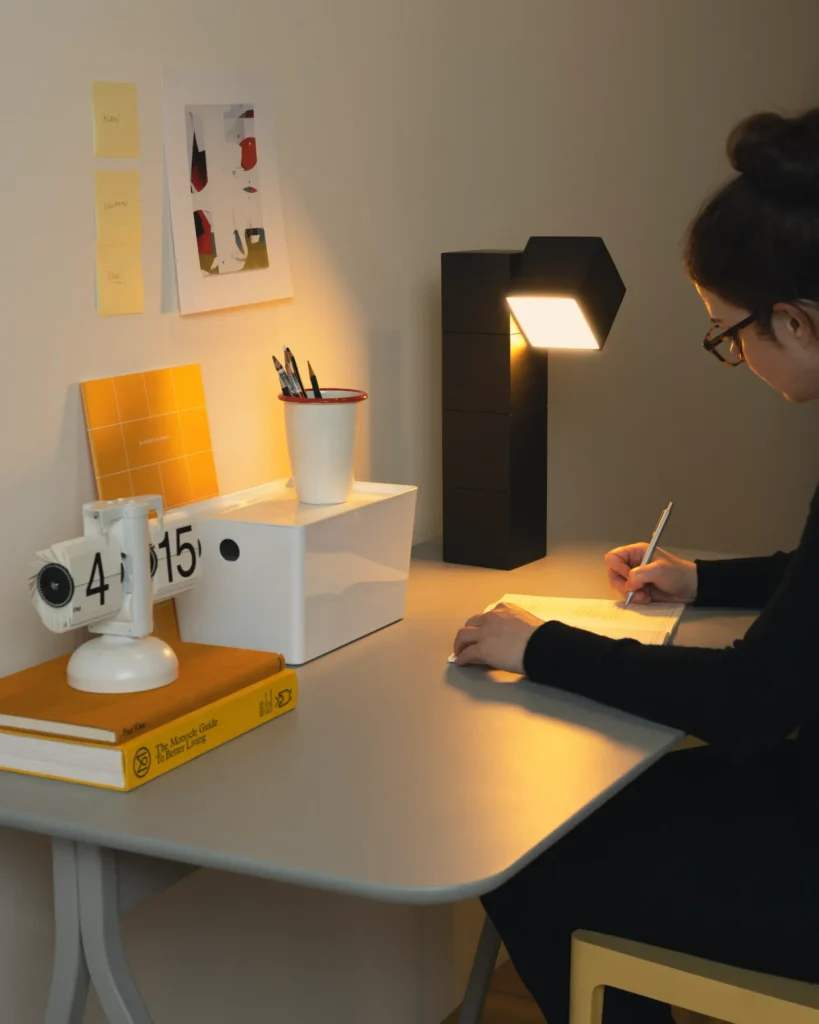
If your workspace feels tiring, unproductive, or uncomfortable — your lighting is likely the reason.
Lighting directly affects:
- Focus
- Energy
- Eye strain
- Productivity
Let’s build the perfect setup.
The 3-Layer Lighting Rule
The best setups use layered lighting:
1. Ambient Lighting
Room light (ceiling or floor lamp)
2. Task Lighting
Your desk lamp
3. Screen Light Balance
Your monitor brightness
When these work together → your eyes relax.
Why Most Setups Fail
Most people only use:
❌ Overhead light
OR
❌ Desk lamp only
This creates:
- Harsh contrast
- Shadows
- Eye fatigue
👉 If you’re using only one light source, this guide explains how to fix it properly
Comparison of poor lighting vs ideal desk lighting setup
Best Desk Lamp Setup
Your desk lamp should:
✔ Sit beside your monitor
✔ Use adjustable brightness
✔ Provide soft, even light
Avoid:
- Direct glare
- Overpowering brightness
Reduce Eye Fatigue Instantly
Quick improvements:
✔ Match lamp brightness to screen
✔ Add soft ambient light
✔ Use neutral white lighting
✔ Reduce dark shadows
👉 A full workspace upgrade can improve comfort even more
Ideal Color Temperature
Best range:
✔ 4000K–5000K
This keeps you:
- Alert
- Focused
- Comfortable
Simple Upgrade Checklist
✔ Add desk lamp
✔ Add ambient lighting
✔ Adjust screen brightness
✔ Remove glare sources
CONCLUSION:
A proper lighting setup is one of the easiest ways to boost productivity and protect your eyes.
Once you fix this — your entire workspace feels better instantly.
MarketPlazaNow.com participates in affiliate programs and may earn a commission from qualifying purchases. This content is for informational purposes only.