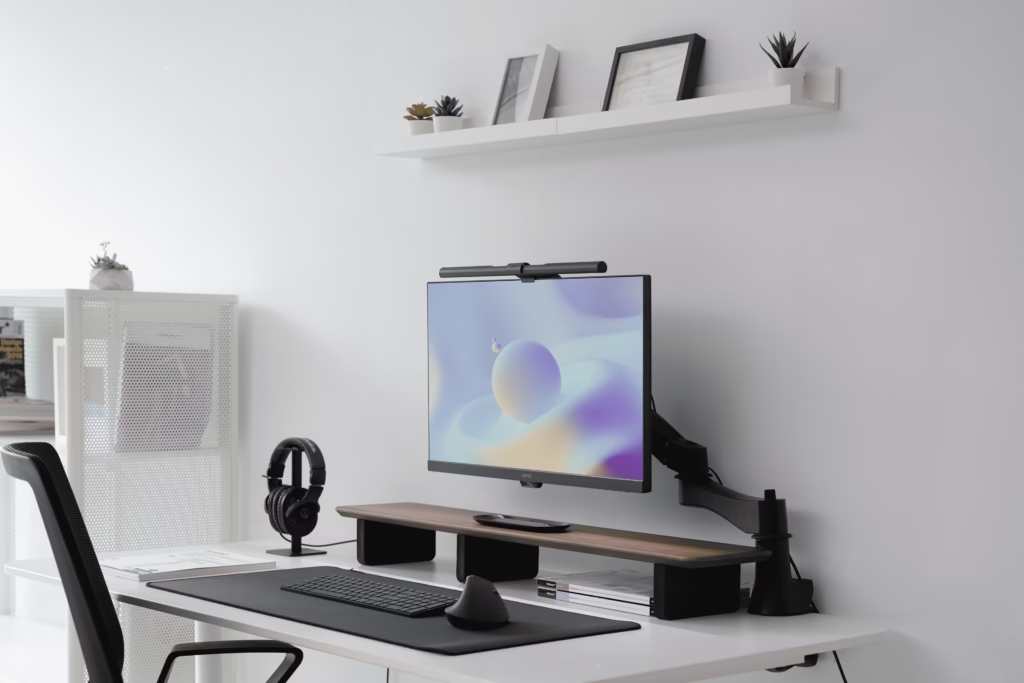
Learn the best desk lamp setup to reduce eye strain fast. Improve lighting, positioning, and comfort instantly with this complete 2026 guide.
If your eyes feel tired after working on your computer, your lighting setup is probably the problem — not your screen.
Most people focus on brightness, but the real solution is how your desk lamp is set up.
Let’s fix that quickly.
Why Your Current Lighting Is Causing Eye Strain
Eye strain happens when there’s too much contrast between your screen and your surroundings.
Common mistakes:
- Bright lamp shining directly into your eyes
- Dark room + bright monitor
- Light reflecting off your screen
👉 If your full setup feels uncomfortable, this guide walks you through the ideal layout step-by-step
The Best Desk Lamp Position (Most Important Step)
Your lamp should NEVER point directly at your screen or eyes.
Instead:
- Place it slightly behind your monitor
- Position it opposite your dominant hand
- Angle it down toward your desk, not your face
This creates soft, indirect lighting that reduces strain instantly.
👉 Want a deeper breakdown of perfect placement?
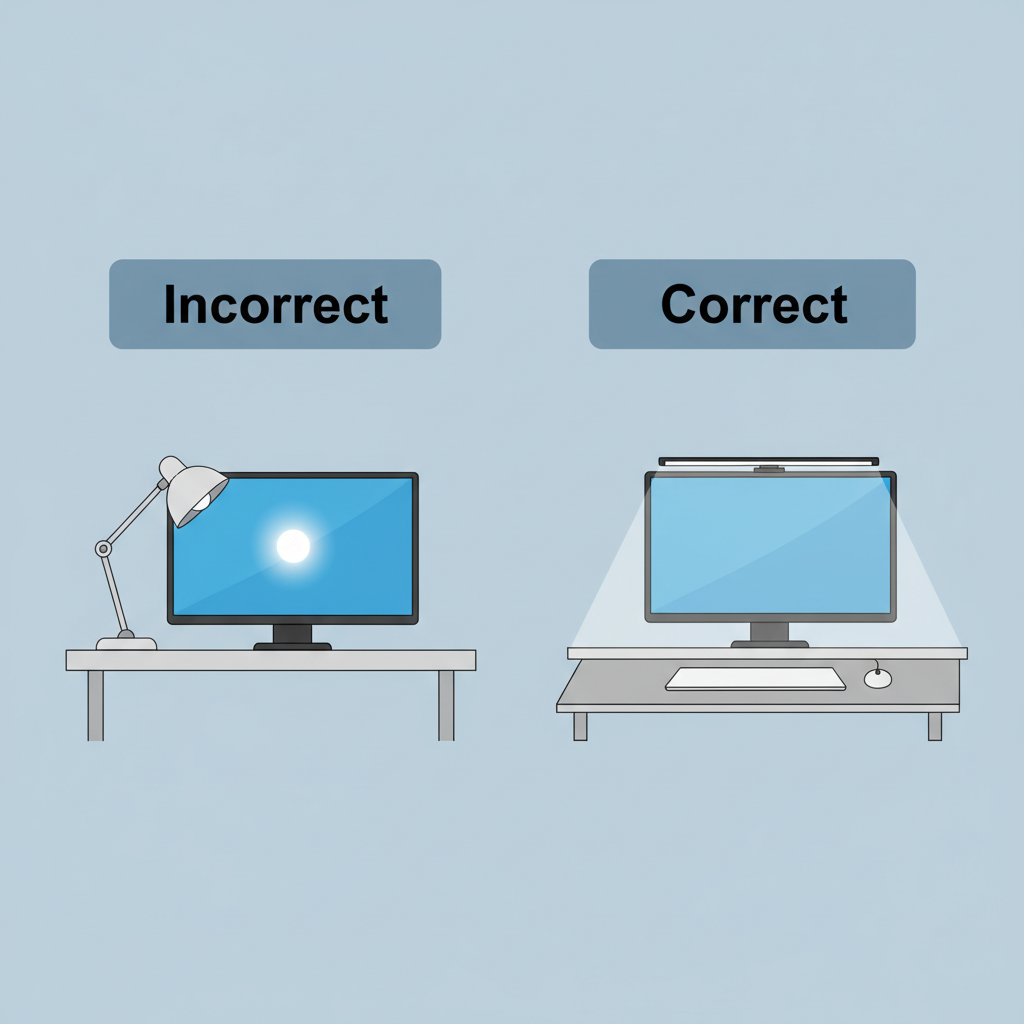
correct desk lamp position behind monitor no glare
Match Lamp Brightness to Your Screen
Here’s a mistake almost everyone makes:
- Bright lamp + dim screen = eye strain
- Dim lamp + bright screen = eye strain
✔ Your lamp and screen should feel balanced — not competing
Tip:
- Use medium brightness
- Avoid harsh white light
- Choose warm or neutral tones
Use Indirect Lighting (Game Changer)
Direct light = harsh shadows + glare
Indirect light = smooth, comfortable vision
Best options:
- Adjustable arm desk lamps
- Diffused LED lighting
- Wall reflection lighting
Quick Setup Checklist
Fix your setup in 5 minutes:
✔ Lamp behind monitor
✔ Light angled downward
✔ No glare on screen
✔ Balanced brightness
✔ Soft ambient lighting
Final Thoughts
The best desk lamp isn’t just about the lamp itself — it’s about how you use it.
Once you fix your positioning and lighting balance, eye strain can improve almost immediately.