Best desk lamp for eye strain and computer work setup
Looking for the best desk lamp for eye strain and computer work? Discover top lighting tips and desk lamp features to reduce eye fatigue in 2026.
If your eyes feel tired, dry, or strained after hours in front of a computer screen, your lighting setup may be part of the problem. The good news? The right desk lamp can make a huge difference.
Whether you work from home, game, study, or spend long hours at your desk, choosing the best desk lamp for eye strain and computer work can help reduce glare, improve focus, and make your workspace feel more comfortable.
In this guide, we’ll cover what to look for in a desk lamp, the best features for reducing eye strain, and top options worth considering.
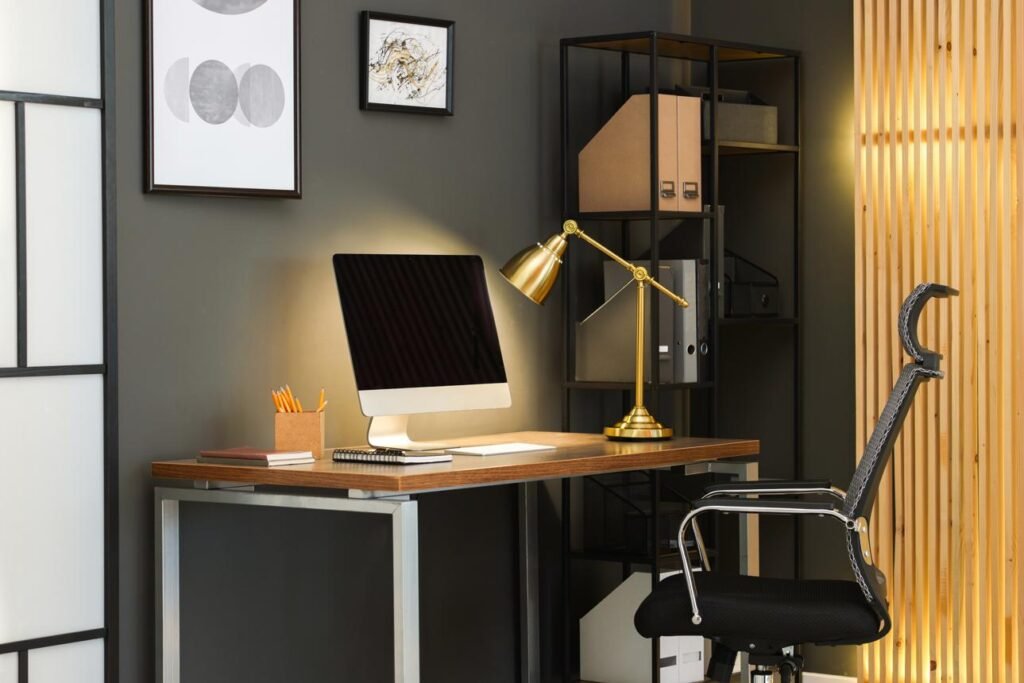
Quick Tip: Position your desk lamp to the side of your monitor rather than directly behind or in front of it to reduce screen glare.
What Causes Eye Strain at a Computer?

Eye strain often happens when there is too much contrast between your monitor and the room around you. A dark room with a bright screen forces your eyes to work harder.
Common causes of computer eye strain include:
- Poor lighting in the room
- Harsh overhead lights
- Screen glare
- A lamp that is too bright or too dim
- Working for long hours without breaks
A good desk lamp creates balanced lighting around your workstation, helping your eyes feel less fatigued.
A comfortable workspace also matters. Small ergonomic upgrades can help reduce fatigue, and you can learn more in our guide on how to make your desk more comfortable for productivity and focus.
What to Look for in a Desk Lamp for Eye Strain
Not all desk lamps are created equal. Here are the features that matter most.
1. Adjustable Brightness
A dimmable lamp lets you control brightness based on the time of day and your room lighting.
During daytime hours, brighter lighting may help. At night, softer lighting is often easier on the eyes.
2. Adjustable Color Temperature
The best desk lamps allow you to switch between:
- Warm light for evenings
- Neutral light for everyday work
- Cool light for focus-heavy tasks
Many people prefer neutral or warm lighting to reduce eye fatigue during long work sessions.
3. Flicker-Free LED Technology
Cheap lamps sometimes flicker without you noticing, which may contribute to headaches or eye discomfort.
Look for lamps advertised as:
- Flicker-free
- Eye-care lighting
- Anti-glare
- Low blue light
4. Adjustable Arm or Gooseneck
You want flexibility so you can angle the light exactly where needed without shining directly into your eyes or monitor.
Best Types of Desk Lamps for Computer Work
LED Desk Lamps With Multiple Brightness Settings
These are one of the best choices for people working long hours at a desk.
Look for lamps with:
- Touch controls
- Adjustable brightness
- Multiple color temperatures
- USB charging ports
- Auto timers
These often work well for home offices and remote workers.
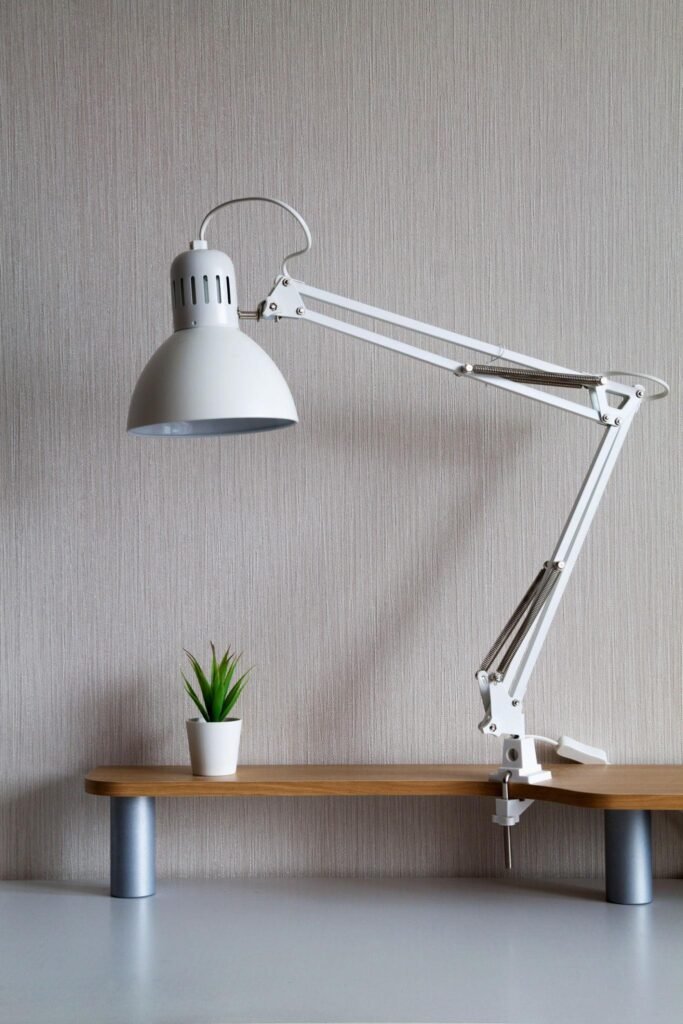
Clamp Desk Lamps
If you have limited desk space, clamp lamps can free up room while keeping your lighting positioned correctly.
They are especially useful for smaller desks and dual-monitor setups.
Monitor Light Bars
Monitor light bars sit on top of your screen and shine light downward onto the desk.
Many people like them because they reduce glare while creating a clean, minimalist workspace. See popular monitor light bars for computer setups here.
If glare is a problem, check out our guide to the best lighting setup for computer work to reduce eye strain.
If you work late or struggle with screen glare, you may also want to explore the best monitor light bars for eye comfort while working late.
Top Desk Lamp Features Worth Paying For
When shopping online, prioritize these features:
✔ Adjustable brightness ✔ Multiple light temperatures ✔ Flicker-free LED lighting ✔ Adjustable positioning ✔ Glare reduction ✔ USB charging ports (optional) ✔ Energy efficiency
You do not necessarily need the most expensive lamp. Many affordable options under $50 can work very well for office work and studying.
Looking for a lamp that is easier on your eyes? Browse highly rated desk lamps for computer work here.
How to Position Your Desk Lamp Correctly
Even the best desk lamp may not help if it is positioned incorrectly.
Here are a few simple rules:
- Place the lamp slightly to the side of your monitor
- Avoid pointing the light directly at your screen
- Do not shine light directly into your eyes
- Combine task lighting with soft ambient room lighting
For right-handed people, placing the lamp on the left side often works best. Left-handed users may prefer the opposite.
Creating balanced lighting around your desk can make a huge difference. If you want a full workspace setup, check out our guide on the best lighting setup for computer work to reduce eye strain.
Are Cheap Desk Lamps Bad for Your Eyes?
Not always—but some budget lamps use harsh LEDs or poor light diffusion that may create glare.
Instead of buying based only on price, focus on comfort features.
Reading reviews and checking for eye-care features can help you find a better option.
Create a More Comfortable Workspace Beyond Lighting
Good lighting is important, but comfort matters too—especially if you spend long hours sitting at a desk.
Many people improve their workstation by combining better lighting with ergonomic accessories that help reduce discomfort during long work sessions.
If you sit for several hours each day, a memory foam seat cushion for desk comfort and pressure relief can help make your chair more comfortable and reduce pressure while working.
Some people also prefer using blue light glasses designed for long computer sessions to help reduce screen fatigue during extended computer work.
Small desk upgrades like lighting, posture support, and ergonomic accessories can make a noticeable difference in comfort and productivity.
Final Thoughts
Finding the best desk lamp for eye strain and computer work does not have to be complicated.
The right lighting setup can help reduce headaches, dry eyes, and fatigue while making your workspace more productive.
Look for a lamp with adjustable brightness, multiple color settings, and glare-reducing features. Small improvements to your lighting can make long workdays feel much more comfortable.
Before buying, compare features and reviews to find a desk lamp that fits your desk size, lighting needs, and budget.
FAQ
What color light is best for eye strain?
Neutral or warm lighting is often more comfortable for long computer sessions, especially in the evening.
Are LED desk lamps good for office work?
Yes. Many LED desk lamps are energy efficient and include adjustable brightness and anti-glare features.
Where should I place my desk lamp?
Position it slightly to the side of your monitor to reduce glare and improve lighting balance.
As an Amazon Associate, I earn from qualifying purchases