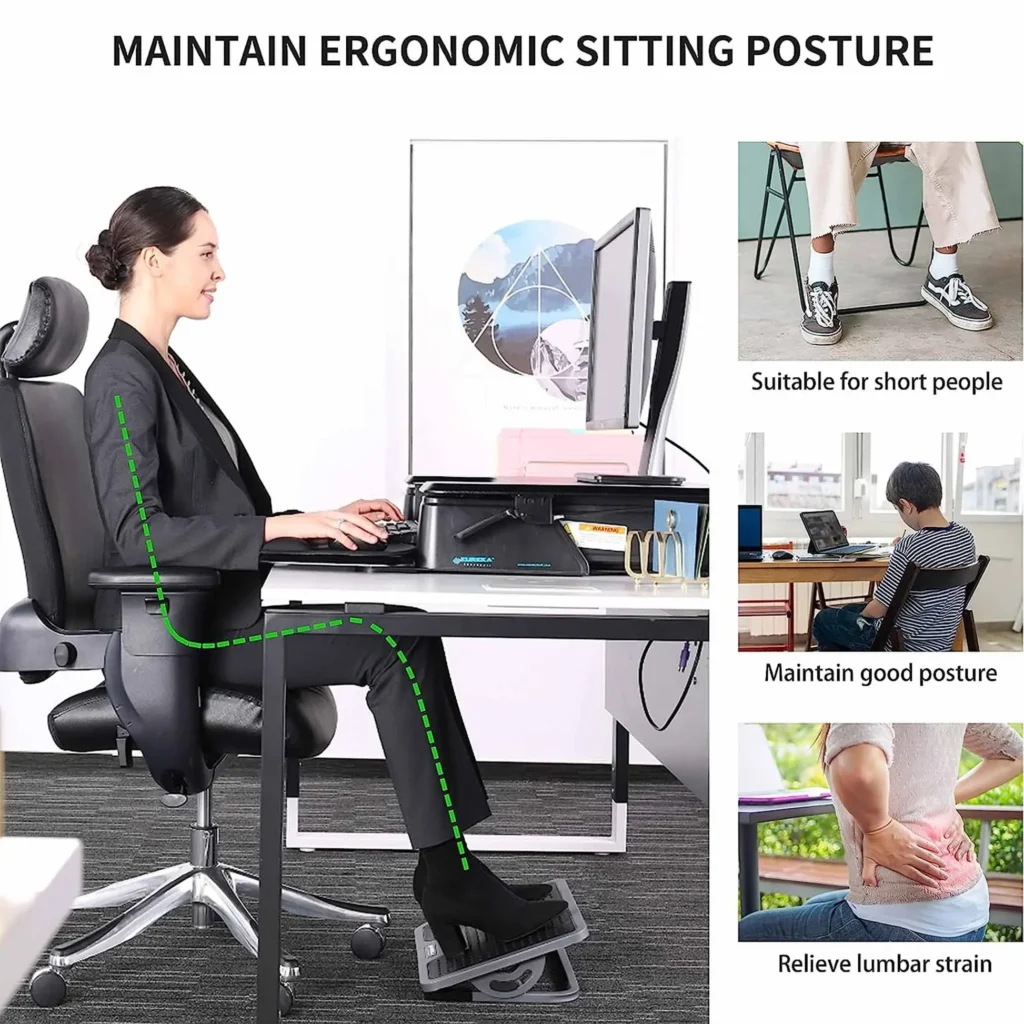
Working from home sounds convenient — until distractions start taking over your day. The TV is nearby, your phone keeps buzzing, and small tasks around the house pull your attention away from work.
What many people don’t realize is that productivity at home is not about motivation.
It’s about environment.
A well-designed workspace helps your brain switch into “work mode.” The right desk setup reduces mental fatigue, improves focus, and makes it easier to stay consistent throughout the day.
If you’re building a comfortable home setup, you may also want to read our guide on practical everyday devices that simplify routines and make daily tasks easier.
This guide explains which desk gadgets actually help productivity and why they work.
Key Takeaways
- Your workspace strongly affects focus and energy levels
- Small ergonomic changes can reduce fatigue
- Lighting and desk comfort improve concentration
- Organized desks help reduce mental overload
- Simple tools can improve daily efficiency at home
The Impact of Your Workspace on Productivity
Your brain associates locations with behavior. When you work in an environment designed for focus, your mind adapts faster and distractions become easier to ignore.
A cluttered workspace forces your brain to process extra information constantly. Over time, this increases decision fatigue and lowers concentration.
Common Work-From-Home Distractions
- Phone notifications
- Background noise
- Poor lighting
- Uncomfortable seating position
- Visible household chores
Even small interruptions break concentration cycles. It can take 15–25 minutes to regain full focus after a distraction.
How the Right Tools Improve Focus
Simple workspace tools remove friction from your workday. When tasks require less effort to start, you naturally become more consistent.
Many people start improving focus by upgrading small parts of their home environment first, especially helpful household tools designed to remove daily frustrations.
For example:
- A timer encourages structured work sessions
- Proper lighting reduces eye strain
- Ergonomic tools reduce physical fatigue
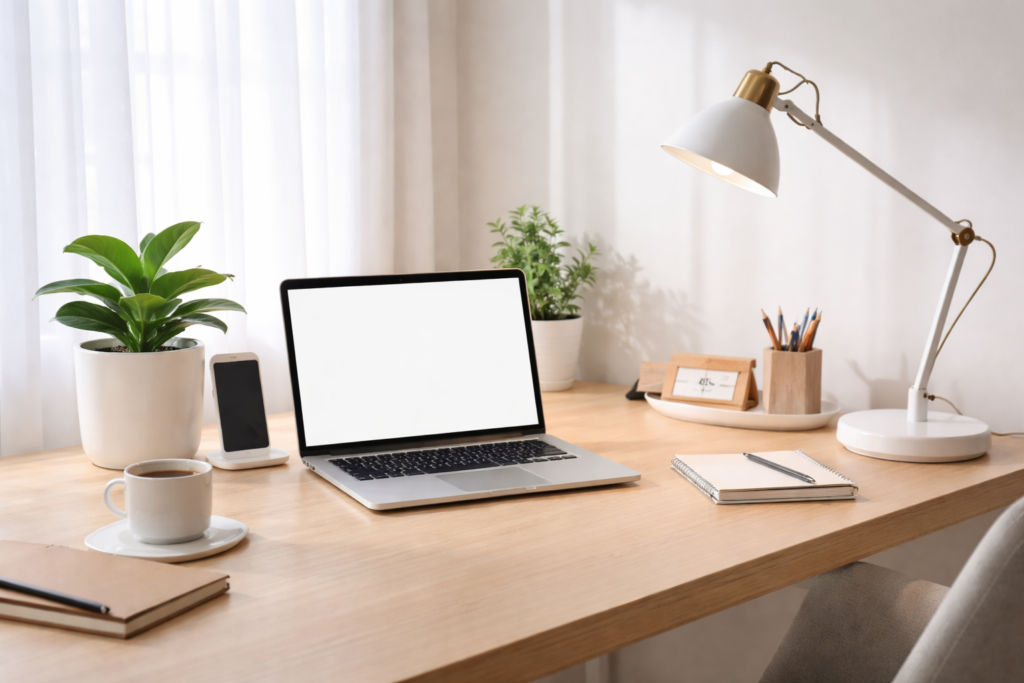
Ergonomic Desk Gadgets for Comfort and Health
Comfort directly affects productivity. Physical strain forces your brain to constantly shift attention away from work.
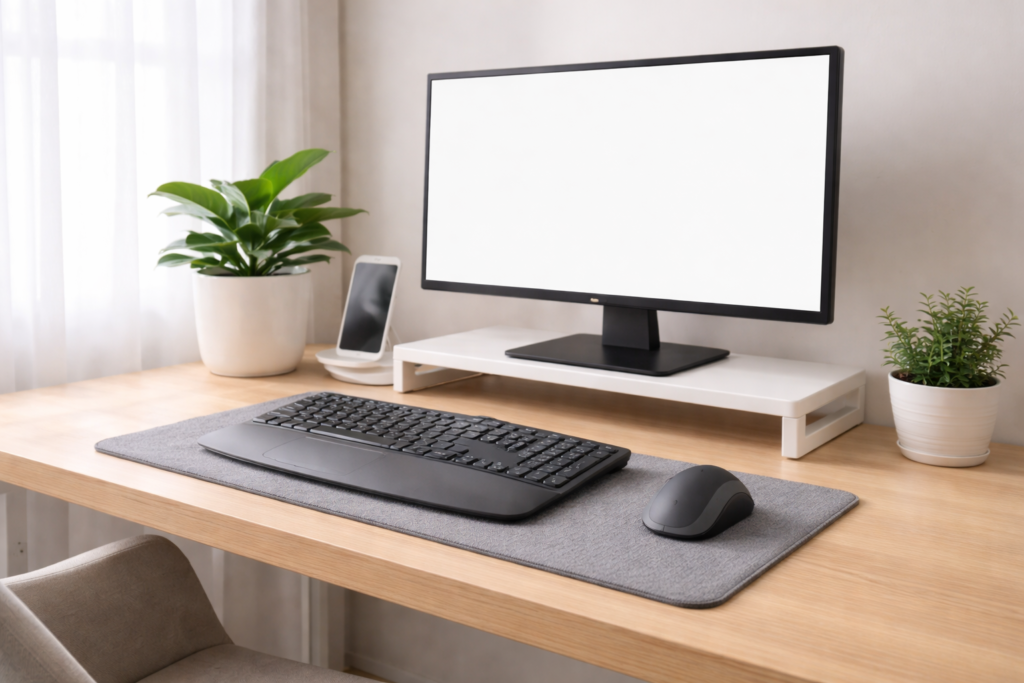
Ergonomic Mouse and Keyboard
These keep your hands in a natural position and reduce wrist tension. Over long work sessions, this helps prevent fatigue and stiffness.
Monitor Stand or Riser
Your screen should be at eye level. Looking down all day strains the neck and shoulders, which slowly drains focus and energy.
Wrist Support Accessories
Wrist rests help maintain neutral wrist posture while typing or using a mouse. This reduces pressure and improves long-term comfort.
Small ergonomic improvements often make the biggest difference in daily productivity.
Productivity Gadgets That Actually Help
Many gadgets look helpful but don’t change behavior. The following ones actually improve workflow.
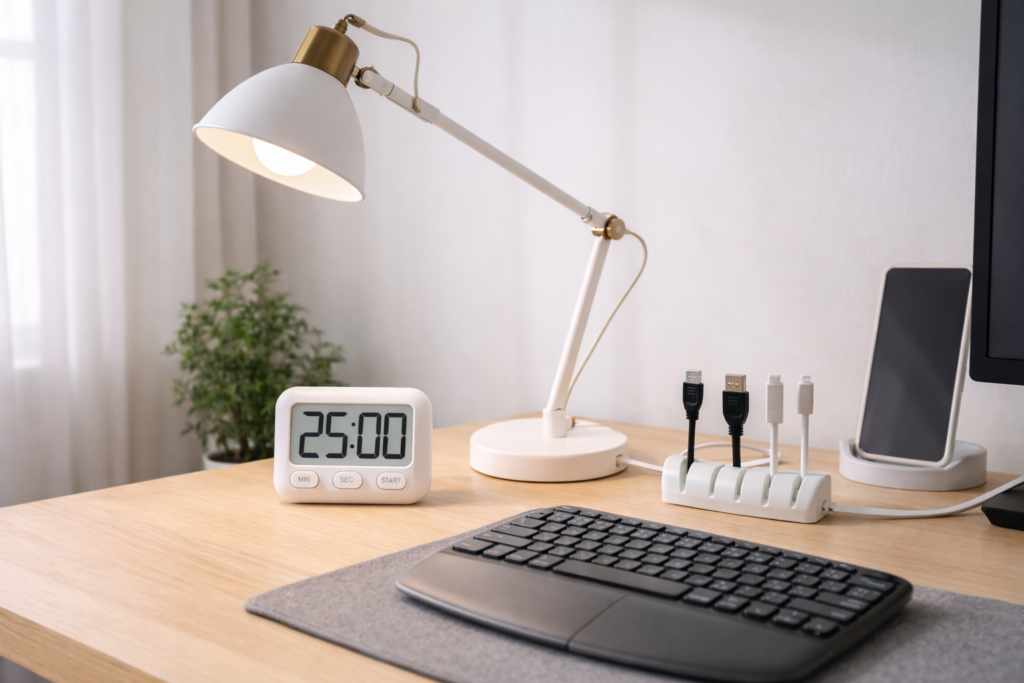
Smart Desk Lighting
Lighting affects alertness. Bright, neutral lighting helps your brain stay active and reduces eye strain during long screen use.
Blue Light Filters
Screens emit blue light that contributes to eye fatigue. Filters or screen settings help reduce visual exhaustion during extended work.
Desk Fans and Temperature Control
Comfortable temperature improves concentration. Even mild discomfort makes the brain focus on your environment instead of your tasks.
Digital Timers (Pomodoro Method)
Working in short timed sessions improves consistency. A simple timer helps structure work into manageable blocks and prevents burnout.
Cable Management Systems
Visual clutter increases mental clutter. Organizing cables removes small distractions your brain constantly notices.
Organizing Your Desk for Maximum Efficiency
A productive desk is not about having more tools — it’s about removing friction.
Strategic Placement
Keep frequently used items within arm’s reach:
- keyboard
- mouse
- notebook
- water
Items used occasionally should be stored away to reduce visual distraction.
Before Buying New Gadgets
Ask yourself:
- Will this reduce effort?
- Will I use it daily?
- Does it solve a real problem?
Many people buy gadgets that add clutter instead of improving workflow.
Real-Life Productivity Improvement
Simple changes often help the most:
- Raising a monitor reduces neck fatigue
- Clearing desk space improves concentration
- Adding better lighting increases alertness
Small environmental improvements create consistent productivity habits.
You can also explore our recommendations for simple home upgrades that improve comfort and efficiency throughout your day.
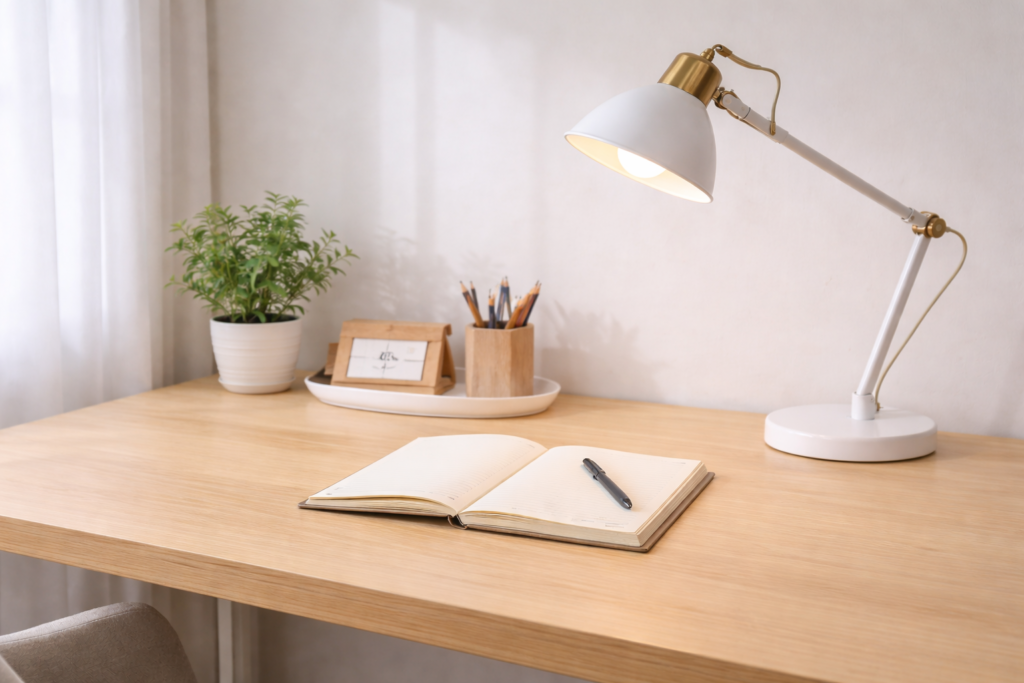
Conclusion: Build a Workspace That Works With You
Productivity at home isn’t about working harder.
It’s about reducing resistance.
When your workspace supports focus, your brain spends less energy fighting distractions. Over time, this leads to better consistency, improved concentration, and less daily fatigue.
Start with small improvements — lighting, ergonomics, and organization — and you’ll notice the difference quickly.
A good workspace doesn’t just help you work more.
It helps you work better.
Disclaimer
This article is for informational purposes only. It does not promote any specific product and should not be considered professional or occupational advice. Always research and compare options before purchasing equipment.