
comfortable and organized home office workspace setup for productivity
If you’re deciding between a full desk upgrade and an add-on solution, see our comparison of a standing desk vs desk converter.
Working from home sounds great — until your back starts hurting, your internet cuts out during meetings, and your kitchen chair becomes your office chair.
You’re not alone. Many people struggle to stay focused or comfortable simply because their workspace isn’t designed for daily work.
The good news? You don’t need a full renovation or a huge budget. Small upgrades can dramatically improve comfort, reduce fatigue, and help you stay productive throughout the day.
This guide walks through practical home office upgrades that make remote work easier and more comfortable.
Why Your Home Office Setup Actually Matters
Your workspace directly affects:
• concentration
• posture
• energy levels
• productivity
• mood
A poorly designed workspace forces your body to work harder. Over time that leads to fatigue, headaches, and back pain — which quietly reduces how much work you can actually get done.
A few smart changes can fix most of these problems.
Ergonomic Furniture That Supports You All Day
Adjustable Standing Desks
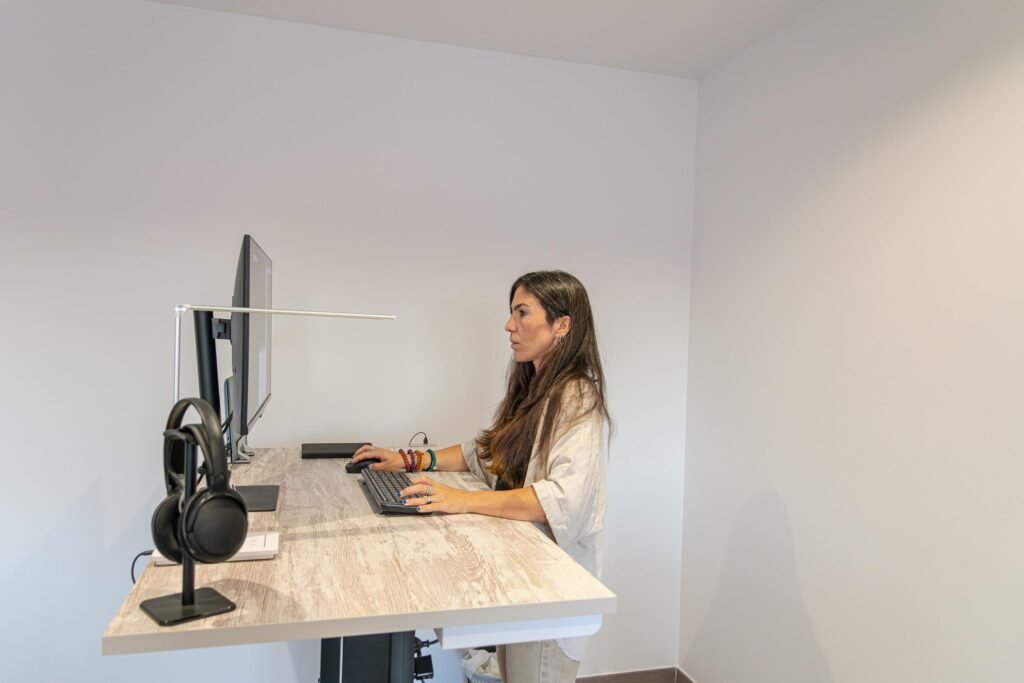
adjustable standing desk used in a home office
Sitting all day is one of the biggest reasons remote workers develop stiffness and back pain.
An adjustable standing desk allows you to alternate between sitting and standing, which helps:
• improve posture
• reduce back pressure
• boost circulation
• increase energy
Even standing for 15–30 minutes every hour makes a noticeable difference.
Supportive Office Chairs
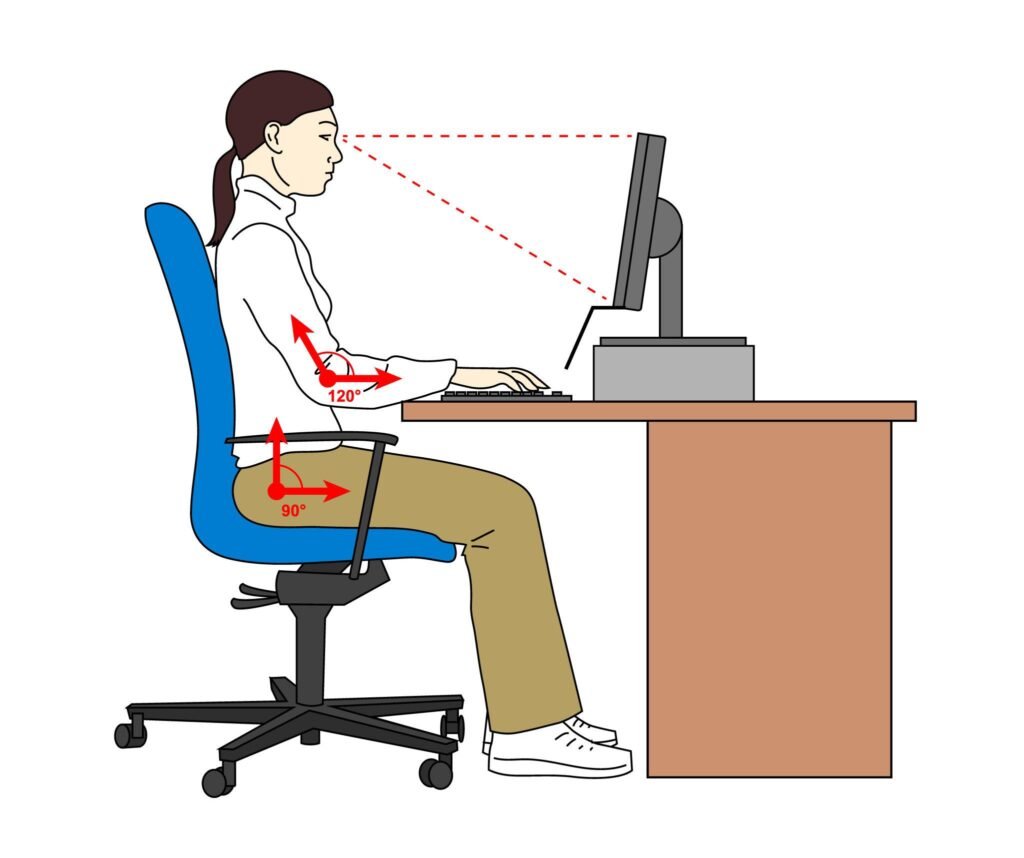
ergonomic office chair with lumbar support for long work hours
Your chair matters more than your desk.
A kitchen or dining chair forces your spine into an unnatural position and slowly causes daily discomfort.
A proper chair should have:
• lumbar support
• adjustable height
• adjustable armrests
• breathable material
Monitor Arms & Laptop Stands
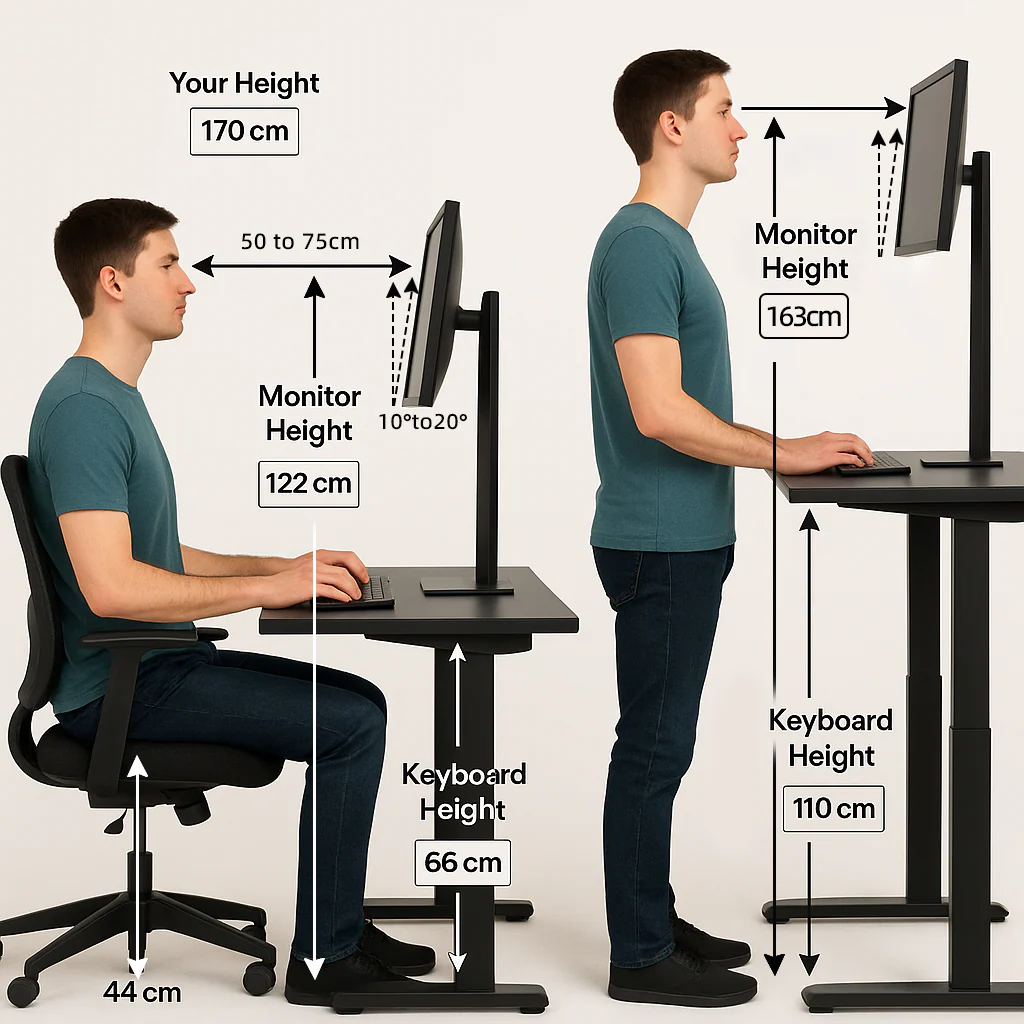
monitor and laptop positioned at eye level for proper posture
If your screen sits too low, your neck bends forward all day.
That’s one of the biggest hidden causes of neck pain and headaches.
Your monitor should be at eye level — not below it.
Technology Upgrades That Improve Work Efficiency
Webcams and Microphones
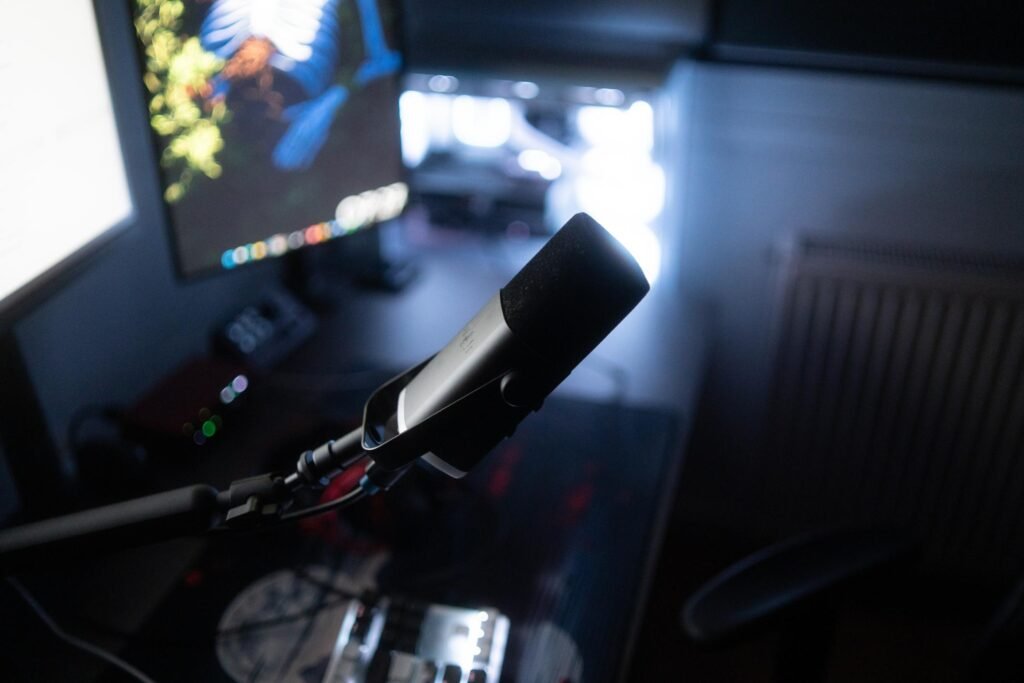
webcam and microphone setup for video meetings
Clear video and audio matter more than people realize.
Poor sound quality makes meetings exhausting and harder to follow.
A basic external webcam and microphone immediately improve:
• meeting clarity
• professionalism
• communication
Mesh Wi-Fi Systems
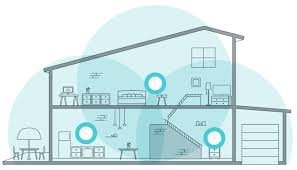
mesh wifi system improving home internet coverage
If your connection drops during meetings, the problem usually isn’t your internet plan — it’s signal coverage.
Mesh Wi-Fi spreads a strong signal throughout the home, eliminating dead zones and buffering.
Docking Stations & USB Hubs
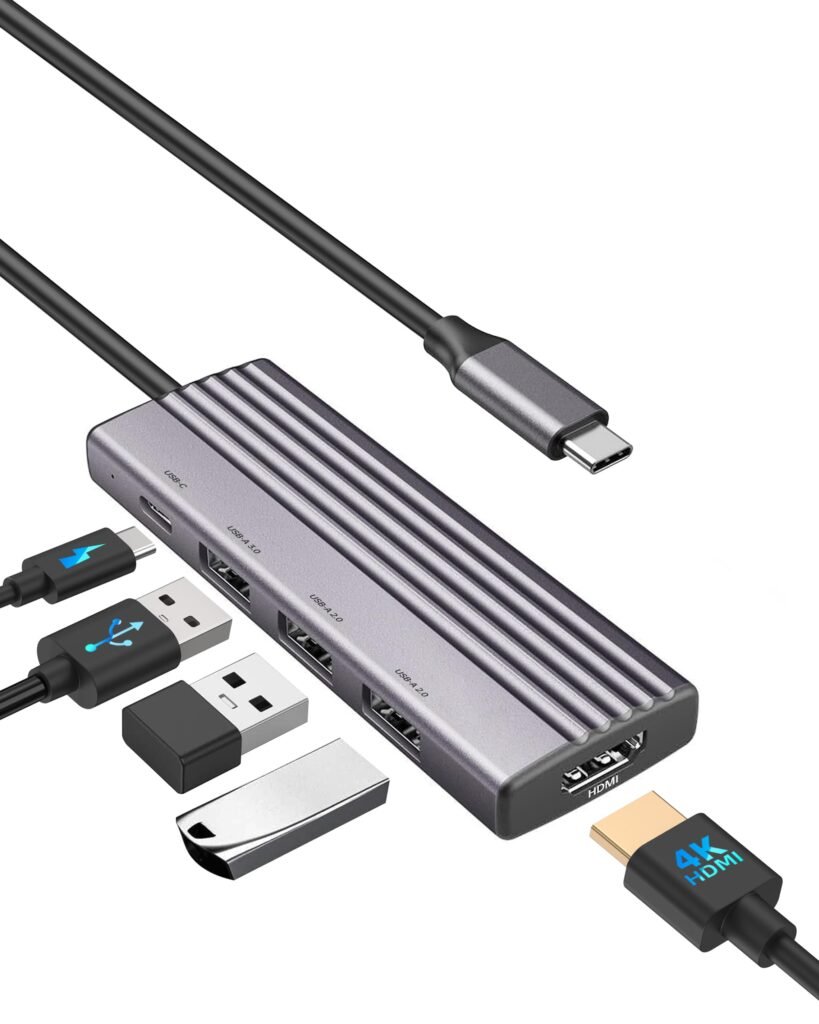
laptop connected to docking station with multiple accessories
Docking stations reduce daily setup time.
Instead of plugging 6 cables every day, you connect one cable and your entire workspace is ready.
Lighting That Reduces Eye Strain
LED Desk Lamps
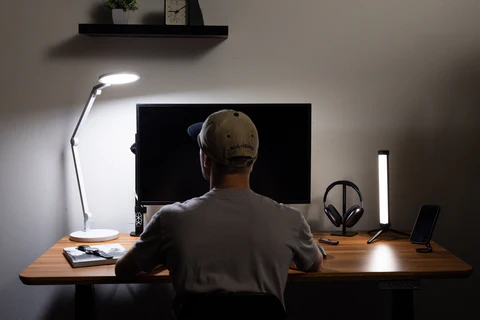
adjustable LED desk lamp for focused task lighting
Bad lighting forces your eyes to constantly adjust.
That leads to fatigue and headaches — especially in the afternoon.
Ring Lights for Video Calls
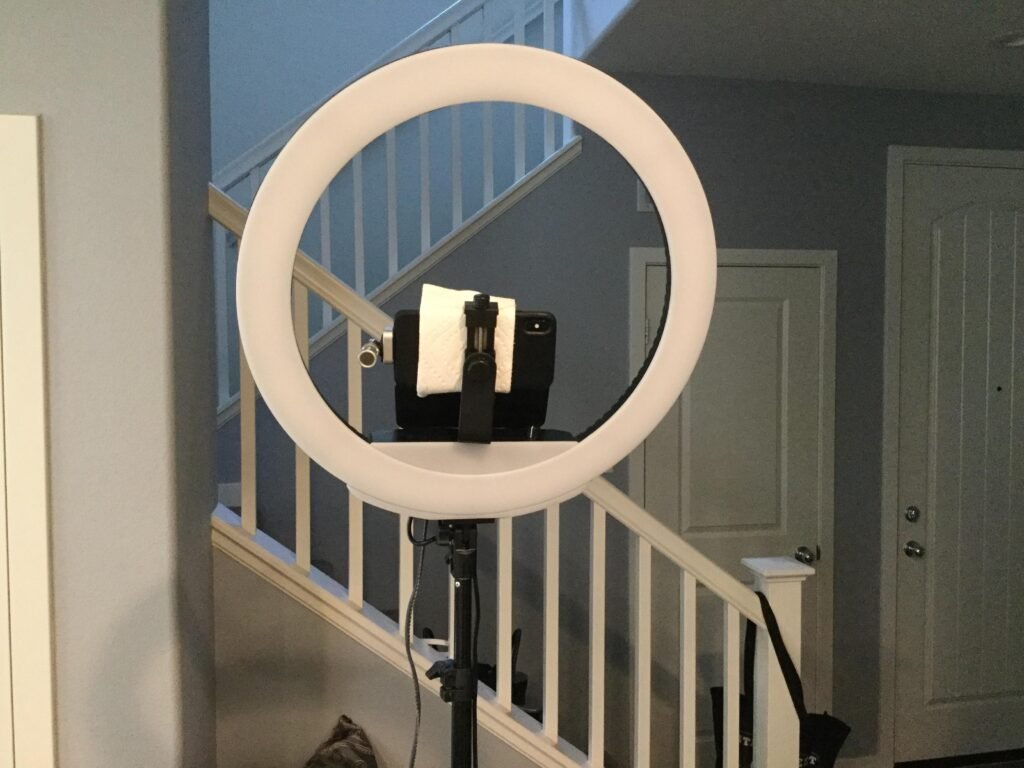
ring light improving video meeting appearance
Good lighting makes a bigger difference on camera than the webcam itself.
Organization & Focus Tools
Cable Management & Desk Organizers
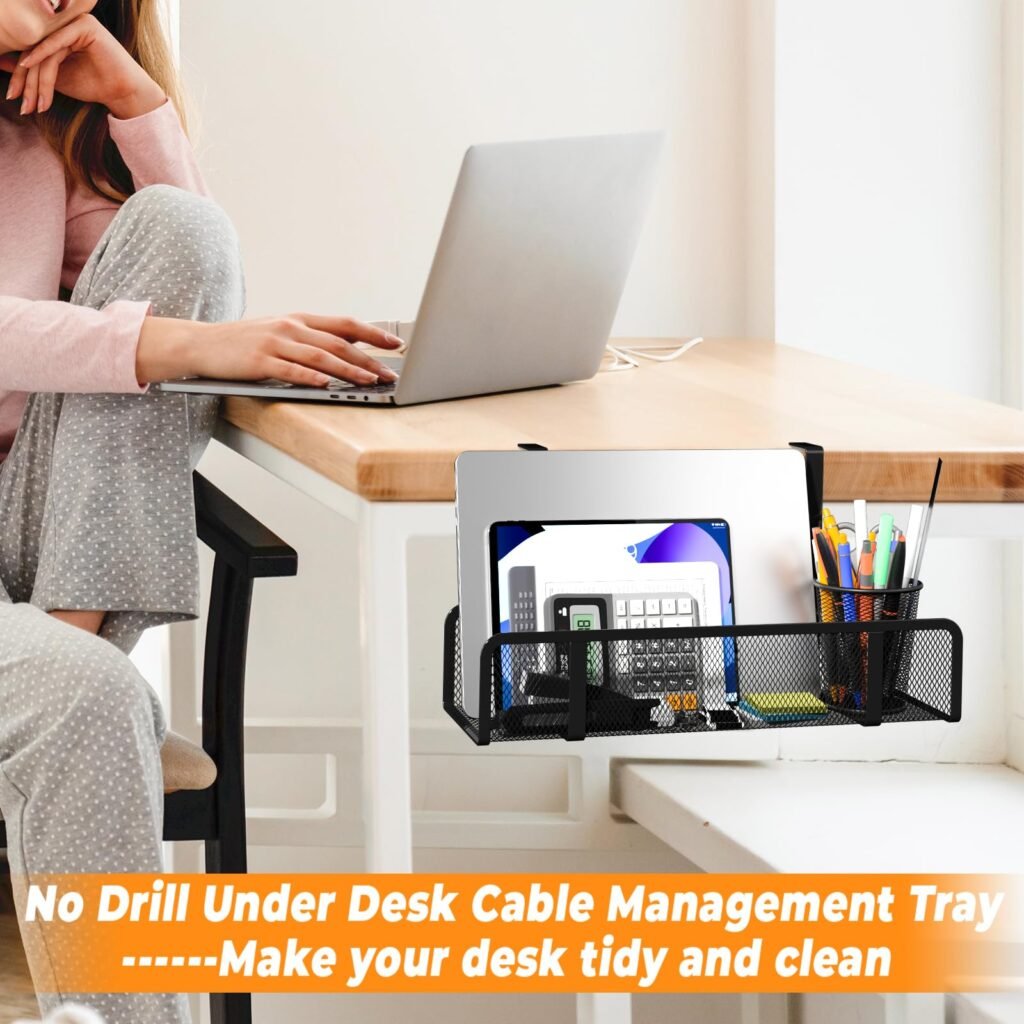
organized desk with cable management and storage accessories
Clutter quietly drains focus.
A clean desk reduces mental distractions and improves concentration.
Noise-Canceling Headphones

noise canceling headphones helping remote worker focus
One of the most powerful productivity upgrades is simply blocking distractions.
Conclusion
Small improvements to your workspace can make remote work significantly easier and more comfortable. You don’t need an expensive office — you need a functional one.
By improving ergonomics, lighting, connectivity, and organization, you’ll notice less fatigue, fewer distractions, and more consistent productivity.
If you’re also improving comfort around your home, you may also find it helpful to explore other everyday upgrades that make daily routines easier.
MarketPlazaNow.com participates in affiliate marketing programs and may earn a commission from qualifying purchases at no additional cost to you. The information in this article is provided for educational and informational purposes only and should not be considered professional advice.