If you’re dealing with eye strain, headaches, or fatigue during long work sessions, your desk lamp position might be the hidden problem.
Most people focus on buying a “better lamp,” but the real difference comes from how and where your light is placed.
In this guide, you’ll learn the exact desk lamp positioning strategies that reduce glare, protect your eyes, and improve focus—especially if you work long hours at a computer.
Why Desk Lamp Position Matters More Than the Lamp Itself
Even the best desk lamp can cause eye strain if it’s placed incorrectly.
Poor positioning can lead to:
- Glare on your screen
- Uneven lighting (too bright or too dark areas)
- Eye fatigue from constant adjustment
- Shadows across your workspace
If you’ve ever felt tired after a few hours at your desk, your lighting setup is likely part of the problem.
👉 For a full breakdown of proper lighting setups, check out this guide on
The Best Desk Lamp Position for Eye Strain Relief
Here’s the ideal setup:
✔️ Place the Lamp to the Side of Your Monitor
Your lamp should sit:
- On the left side if you’re right-handed
- On the right side if you’re left-handed
This prevents shadows and keeps light balanced across your workspace.
✔️ Keep Light Out of Your Direct Line of Sight
Never position your lamp:
- Directly behind your monitor
- Directly in front of your eyes
Instead, angle it slightly downward toward your desk surface.
✔️ Use Indirect Lighting When Possible
Bounce light off:
- The wall
- Your desk surface
This creates a softer, more natural lighting effect that reduces strain.
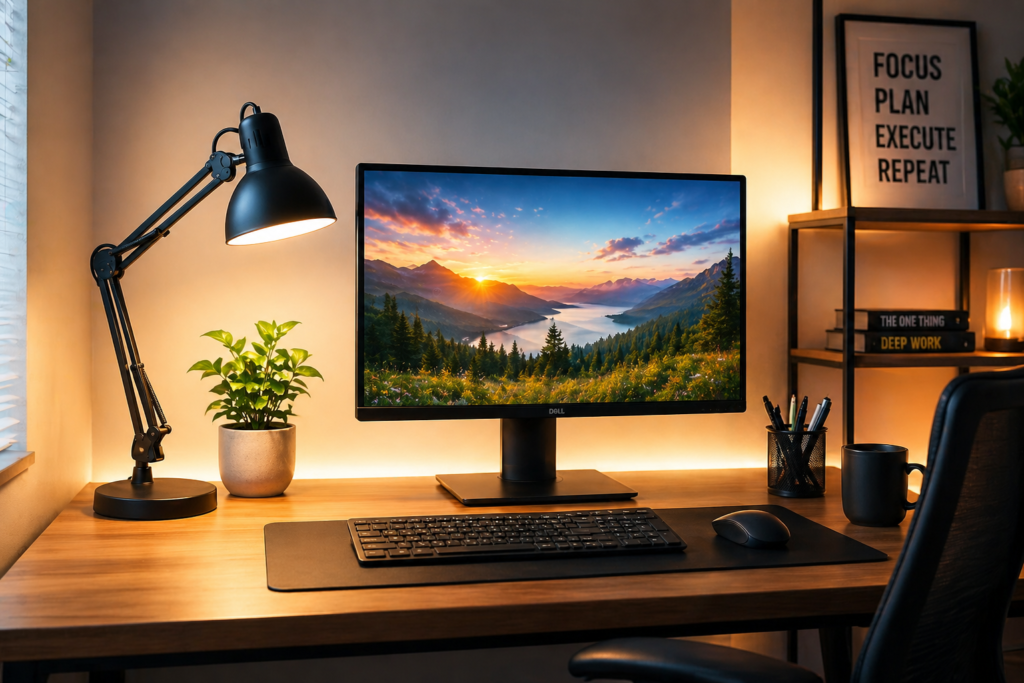
Desk lamp placed to side of monitor with balanced lighting
Avoid These Common Desk Lamp Mistakes
❌ Placing Light Behind the Screen
This creates glare and reduces screen visibility.
❌ Using Only Overhead Lighting
Overhead lights alone cause harsh shadows and eye fatigue.
❌ Too Much Brightness Contrast
A bright lamp in a dark room forces your eyes to constantly adjust.
How to Create a Balanced Lighting Setup
The goal is simple: even, soft lighting across your entire workspace
You can improve your setup by:
- Combining desk lamp + ambient room light
- Using adjustable brightness settings
- Positioning light to avoid reflections
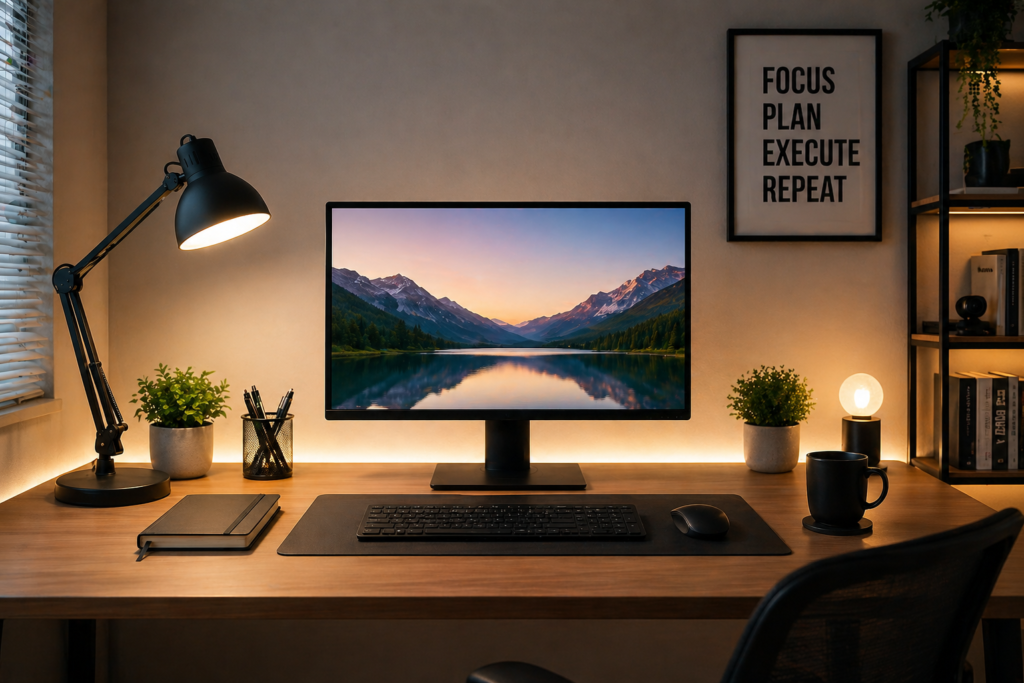
Balanced desk lighting setup with no glare and soft illumination
Best Lighting Angle for Long Work Hours
For extended use (8+ hours), aim for:
- Light hitting your desk at a 45-degree angle
- No direct reflection on your screen
- Soft brightness that doesn’t overpower your eyes
This setup reduces fatigue and helps you stay focused longer.
Simple Desk Lighting Setup You Can Use Today
If you want a quick fix, do this right now:
- Move your lamp to the side of your monitor
- Angle it downward toward your desk
- Turn on a secondary soft room light
- Reduce brightness slightly
This alone can dramatically reduce eye strain within minutes.
Final Thoughts
The right desk lamp won’t fix eye strain unless it’s positioned correctly.
By adjusting your lamp placement, reducing glare, and creating balanced lighting, you can turn your workspace into a more comfortable, eye-friendly environment.
Small changes here make a big difference—especially if you spend hours at your desk every day.
This post may contain affiliate links. If you purchase through these links, we may earn a small commission at no extra cost to you.