Ever felt like your vision gets foggy and your head starts hurting after long hours at your desk?
Many people ignore poor lighting in their workspace, but dim or harsh lighting slowly drains your energy and focus. Bad lighting is one of the most overlooked causes of fatigue during work.
Choosing the right desk lighting can make a huge difference. The right lamp keeps your eyes relaxed and helps you stay productive during long work sessions.
If you want to make your workspace even more comfortable and productive, check out our guide on desk setup ideas for productivity.
Headaches often come from flickering bulbs, harsh glare, or shadows on documents and screens. When lighting is poorly positioned, your eyes work much harder than they should.
This guide explains the best desk lighting for eye comfort, including what features to look for and how to set up your lighting to reduce eye strain.
Key Takeaways
- Proper lighting helps reduce headaches and eye fatigue
- Adjustable brightness protects your eyes during long work sessions
- Color temperature affects focus and sleep cycles
- Proper lamp placement reduces glare and shadows
- LED desk lamps provide long-term energy efficiency and better visibility
Why Proper Desk Lighting Matters for Eye Health
Good desk lighting helps prevent eye strain and improves workspace comfort. The right lighting setup can significantly improve how you feel throughout the workday.
The Connection Between Poor Lighting and Eye Strain
Poor desk lighting forces your eyes to work harder to see clearly.
When lighting is too dim, your eyes strain to focus. When lighting is too bright, glare can create discomfort and headaches.
Many office workers experience symptoms like fatigue, blurred vision, or difficulty focusing because their workspace lighting is not optimized.
Using ergonomic desk lighting with adjustable brightness and direction can significantly reduce these problems.
Common Symptoms of Bad Workspace Lighting
Poor lighting conditions can lead to several uncomfortable symptoms:
- Dry or irritated eyes
- Headaches or migraines
- Blurry or double vision
- Eye fatigue
- Difficulty concentrating
Fixing your desk lighting setup can dramatically reduce these issues.
Long-Term Effects of Poor Lighting
Working in poorly lit environments for months or years may cause ongoing eye fatigue and worsening vision discomfort.
Good lighting protects your eyes and improves daily productivity.
Best Desk Lighting for Eye Comfort: Understanding Your Options
There are several lighting solutions that work well for desk setups.
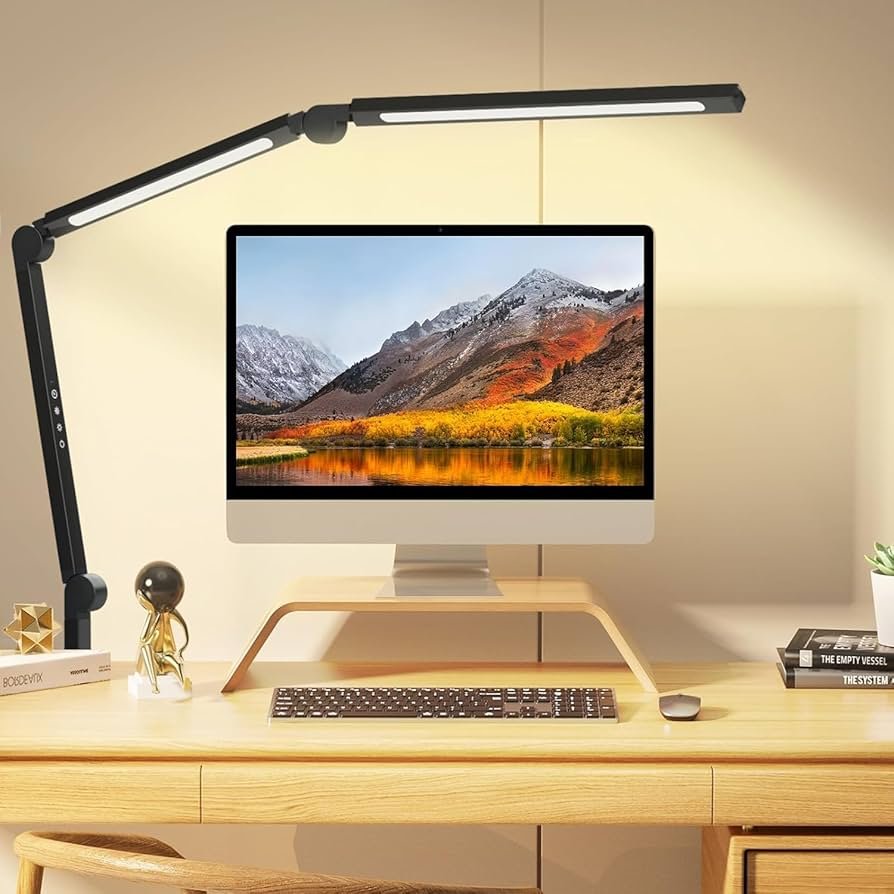
LED Desk Lamps with Adjustable Arms
LED desk lamps with adjustable arms are one of the best options for desk work.
Benefits include:
- Energy efficiency
- Adjustable brightness levels
- Flexible positioning
- Reduced glare on screens
These lamps allow you to focus light exactly where you need it.
Task Lighting for Focused Work
Task lighting directs light exactly where your work happens.
It is ideal for:
- Reading documents
- Writing
- Detailed work
- Working on a computer
Targeted lighting reduces eye strain caused by uneven lighting conditions.
Monitor Light Bars
Monitor light bars mount directly to your screen and shine light downward onto the desk.
They help:
- Reduce contrast between screen and room lighting
- Minimize glare
- Save desk space
This type of lighting has become popular for computer-heavy workspaces.
Clamp-On Desk Lamps
Clamp-on lamps attach directly to the edge of your desk.
Advantages include:
- Saving desk space
- Adjustable positioning
- Flexible lighting angles
They are ideal for small desks or minimalist setups.
Smart Desk Lamps
Smart desk lamps offer advanced features such as:
- Automatic brightness adjustments
- Scheduled lighting changes
- Smartphone control
- Voice assistant integration
These lamps maintain optimal lighting conditions throughout the day.
Essential Features for Eye-Friendly Desk Lighting
Choosing the right desk lamp involves more than just brightness.
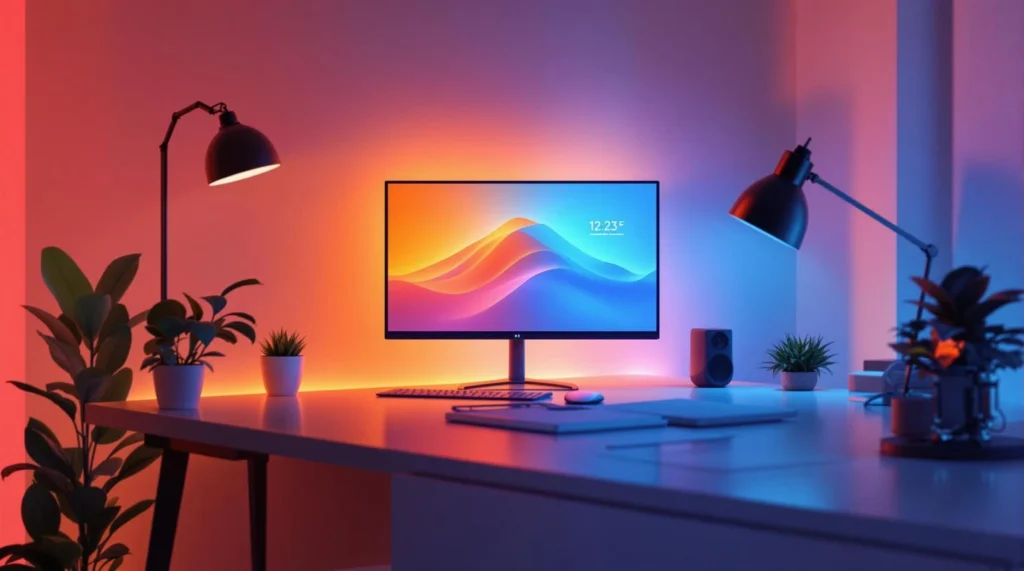
Adjustable Brightness
Dimming controls allow you to adjust brightness depending on the task and time of day.
Lower brightness works well for computer tasks, while brighter lighting is better for reading.
Color Temperature Settings
Color temperature determines how warm or cool the light appears.
| Color Temperature | Light Type | Best Use |
|---|---|---|
| 2700K – 3000K | Warm light | Reading, relaxing |
| 3500K – 5000K | Cool light | Focused work |
| 4000K | Neutral white | General office work |
Neutral white lighting around 4000K works best for most desk environments.
Flicker-Free Lighting
Flickering lights can cause headaches and eye fatigue.
Choose LED lamps that advertise flicker-free technology for comfortable long-term use.
Blue Light Reduction
Some lamps include blue-light filtering features, which can reduce eye strain and help maintain healthy sleep patterns.
Adjustable Lamp Position
Flexible arms and adjustable heads help you position lighting correctly to avoid glare.
Pros and Cons of Different Desk Lighting Options
Traditional Desk Lamps
Pros
- Highly adjustable
- Easy to position
- Widely available
Cons
- Can take up desk space
- Requires manual adjustments
Monitor Light Bars
Pros
- Reduce screen glare
- Save desk space
- Easy installation
Cons
- Limited adjustability
- May not fit all monitors
Ambient Lighting with Task Lighting
Pros
- Balanced lighting environment
- Less eye strain
- More natural workspace feel
Cons
- Requires careful setup
- May cost more initially
Natural Light Supplementation
Natural daylight improves mood and productivity.
However, it can vary throughout the day and may require additional artificial lighting.
Practical Tips for Setting Up Desk Lighting
For more ways to create a comfortable and productive workspace, check out our guide on desk setup ideas for productivity.
Assess Your Workspace
Consider:
- Desk size
- Wall colors
- Natural light availability
- Type of work you perform
Choose the Right Brightness
Recommended lighting levels:
| Task | Recommended Brightness |
|---|---|
| General desk work | 300–500 lux |
| Detailed work | 500–1000 lux |
Position Your Lamp Correctly
Place your desk lamp:
- On the opposite side of your dominant hand
- Slightly above eye level
- Angled toward your workspace
This setup minimizes shadows and glare.
Conclusion
Good desk lighting plays an important role in protecting your eyes and improving your productivity.
Understanding your lighting options and choosing the right features can significantly reduce eye strain during long work hours.
Adjustable brightness, proper color temperature, and thoughtful lamp placement help create a comfortable and efficient workspace.
You can also explore our guide on best desk lamps for eye comfort to compare lighting styles that work well in modern home offices.
Investing in the right desk lighting is a simple change that can dramatically improve your work environment.
MarketPlazaNow.com participates in affiliate programs and may earn a commission from qualifying purchases. This content is for informational purposes only and is not intended as professional advice.