If your eyes feel tired, dry, or strained after working on a computer, your lighting setup might be the real problem.
Most people focus on their monitor, chair, or desk — but lighting plays a huge role in how your eyes feel throughout the day.
The wrong lighting can cause:
- Eye fatigue
- Headaches
- Blurry vision
- Reduced focus
The good news? A simple lighting setup adjustment can make an immediate difference.
Let’s break down exactly how to create the best desk lighting setup for comfort, productivity, and long-term eye health.
Why Lighting Matters More Than You Think
Your eyes constantly adjust between your screen and your surrounding environment.
When your room is too dark or too bright compared to your screen, it creates strain.
That’s why many people experience discomfort even if they have a high-quality monitor.
👉 If you’re already experiencing discomfort, this guide explains how to fix it completely
A balanced lighting setup reduces contrast stress and helps your eyes stay relaxed.
The Perfect Desk Lighting Formula
To eliminate eye strain, your setup should include three types of light:
1. Ambient Lighting (Room Light)
This is your main light source.
Avoid working in a completely dark room — this is one of the biggest causes of eye strain.
Best practices:
- Use soft, diffused lighting
- Avoid harsh overhead glare
- Keep brightness moderate
2. Task Lighting (Desk Lamp)
A desk lamp provides focused light for your workspace.
It should:
- Illuminate your desk, not your eyes
- Be positioned slightly to the side
- Reduce shadows and glare
👉If you’re looking for the best lamp options, check this guide
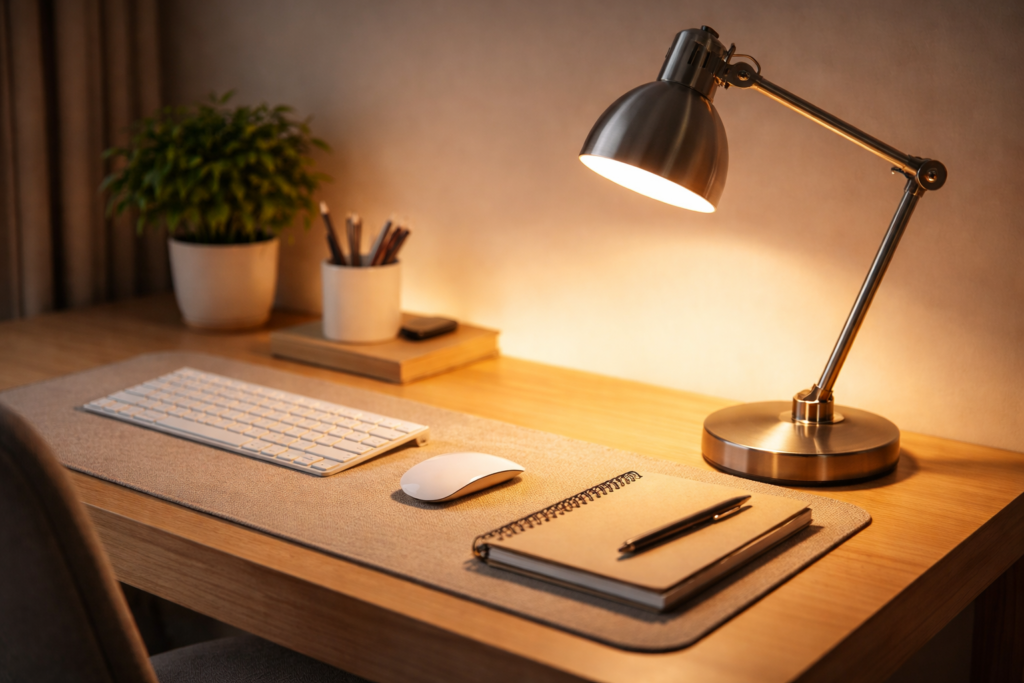
LED desk lamp for reducing eye strain during computer work
3. Screen Lighting Balance
Your screen should NOT be the brightest or darkest thing in the room.
Tips:
- Match screen brightness to room lighting
- Avoid extreme contrast
- Enable blue light filters at night
Best Desk Lamp Position for Eye Comfort
Positioning is just as important as the light itself.
Here’s how to do it correctly:
- Place lamp to the left (right-handed users) or right (left-handed users)
- Keep light slightly behind your screen
- Avoid direct light hitting your eyes
👉 For a full breakdown of positioning, read this
Common Lighting Mistakes to Avoid
Even a good setup can fail if these mistakes are present:
❌ Working in the Dark
Your screen becomes too intense for your eyes.
❌ Overhead Glare
Harsh ceiling lights create reflections on your screen.
❌ Light Behind You
This causes screen glare and discomfort.
❌ No Task Lighting
Forces your eyes to overwork in dim conditions.
Fixing just one of these can instantly improve comfort.
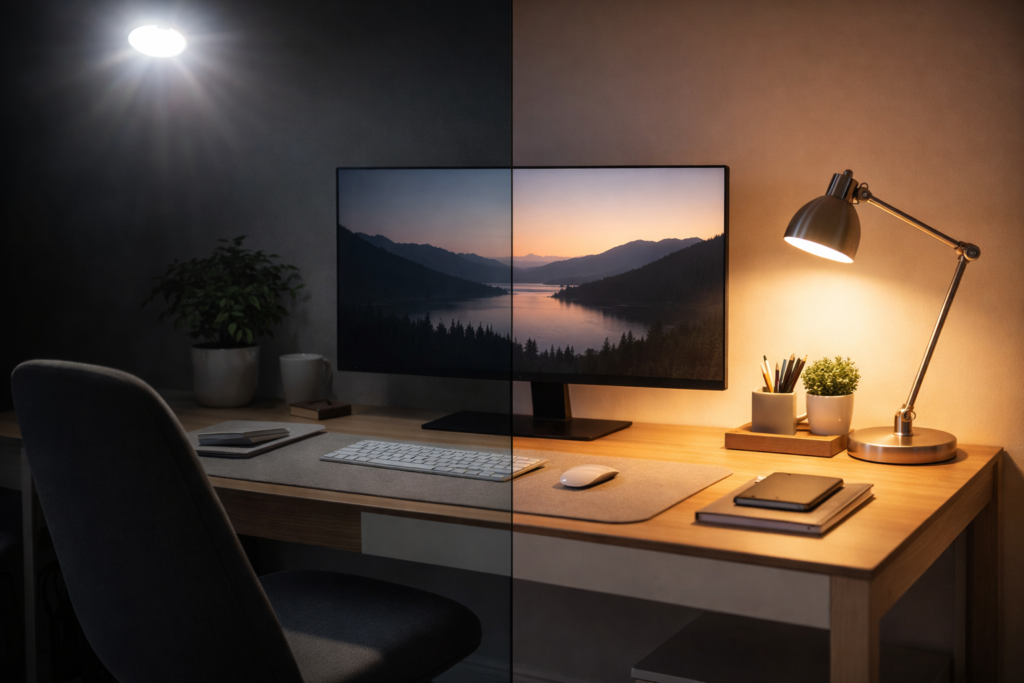
comparison of poor lighting vs proper desk lighting setup for eye strain
Best Light Color for Eye Comfort
Light color temperature matters more than most people realize.
- Warm light (2700K–3000K) → relaxing, good for evenings
- Neutral light (3500K–4100K) → best for all-day work
- Cool light (5000K+) → energizing but can cause strain
👉 For computer work, neutral white light is the best balance.
How to Build the Ideal Setup (Step-by-Step)
- Turn on ambient room lighting
- Add a soft desk lamp
- Adjust your screen brightness
- Position light to avoid glare
- Test comfort for 30–60 minutes
Small adjustments = big results.
Final Thoughts
If your eyes are constantly tired, your lighting setup is likely the hidden cause.
The best desk lighting setup isn’t complicated — it’s about balance.
When you combine:
- Soft ambient lighting
- Proper desk lamp placement
- Correct brightness levels
You create a workspace that supports focus, comfort, and productivity.
Fix your lighting once, and you’ll feel the difference every single day.
This post may contain affiliate links. If you purchase through these links, we may earn a commission at no extra cost to you.