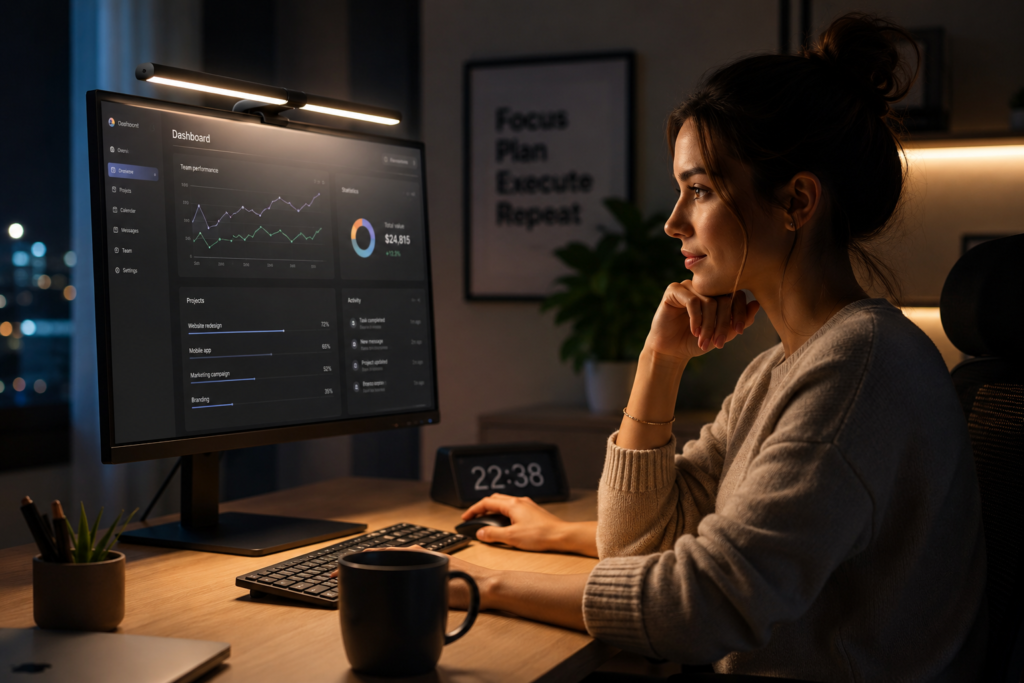
Discover the best monitor light bars for reducing eye strain, glare, and fatigue while improving focus and productivity in your home office.
Working long hours in front of a computer can quickly lead to eye fatigue, headaches, and poor focus — especially if your workspace lighting is not optimized properly.
One of the easiest upgrades for a modern home office is a monitor light bar. These lights sit on top of your monitor and illuminate your desk without shining directly into your eyes or creating screen glare.
The best monitor light bars can:
- Reduce eye strain
- Improve focus
- Create balanced lighting
- Reduce harsh overhead lighting
- Make late-night work sessions more comfortable
If you spend hours at a desk every day, investing in the right monitor light bar can completely transform your setup.
Why Monitor Light Bars Work So Well
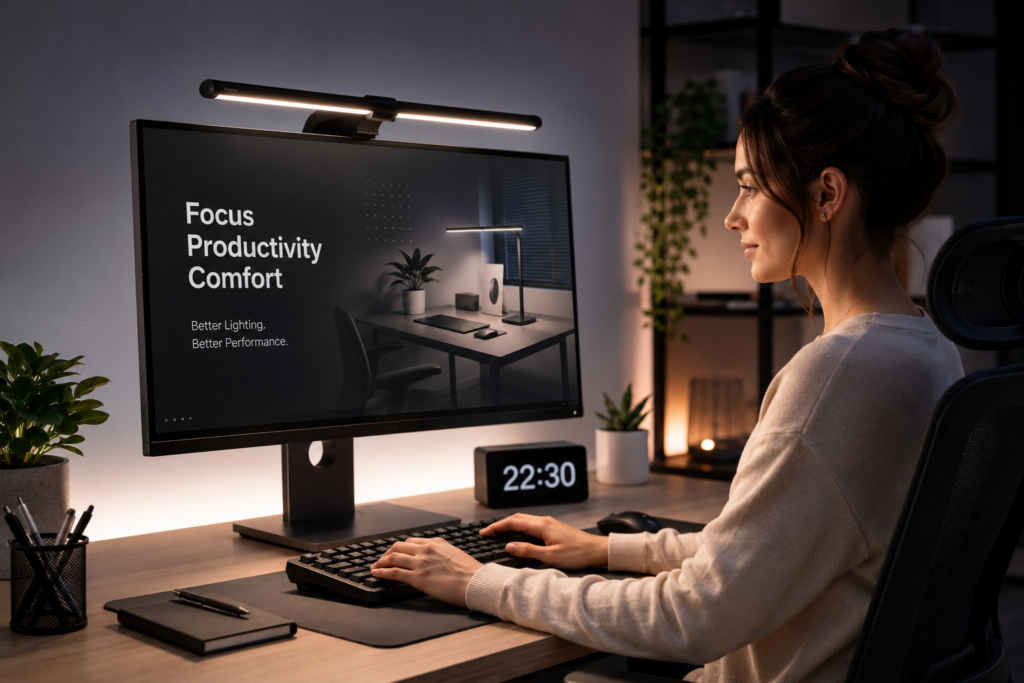
Traditional desk lamps often create uneven lighting and reflections on computer screens. A monitor light bar solves this problem by directing light downward onto the desk instead of into your eyes.
This creates:
- Better contrast
- Reduced glare
- Less eye fatigue
- Improved posture
- Cleaner desk organization
Many people who switch to a monitor light bar notice immediate improvements during long work sessions.
You can also combine a light bar with a proper ergonomic setup for even better comfort. For example, a comfortable lighting environment paired with the right desk setup can dramatically reduce fatigue during long workdays.
Check out our guide on improving desk comfort:
Features to Look for in a Monitor Light Bar
Adjustable Brightness
The best monitor light bars allow you to control brightness levels depending on:
- Time of day
- Ambient room lighting
- Screen brightness
- Eye sensitivity
This helps reduce harsh lighting that can tire your eyes over time.
Adjustable Color Temperature
Warm lighting is usually more comfortable at night, while cooler lighting can help improve alertness during daytime work.
A good monitor light bar should include:
- Warm white mode
- Neutral white mode
- Cool white mode
Flicker-Free Lighting
Cheap LED lighting can flicker constantly without you noticing it. This can contribute to headaches and eye fatigue.
Always look for:
- Flicker-free LEDs
- Eye-care certified lighting
- Anti-glare technology
Best Types of Monitor Light Bars for Productivity
Premium Smart Light Bars
These typically include:
- Auto brightness adjustment
- Wireless controls
- USB-C connectivity
- High CRI color accuracy
- Advanced glare reduction
These are excellent for professionals working long hours.
Recommended Product:
BenQ ScreenBar Pro Monitor Light
Check Price on Amazon
Budget Monitor Light Bars
Affordable monitor light bars can still dramatically improve desk lighting without spending a fortune.
Look for:
- USB powered designs
- Adjustable brightness
- Clamp-style mounting
- Minimal glare
Recommended Product:
Quntis Monitor Light Bar
Is a Monitor Light Bar Better Than a Desk Lamp?
For computer work specifically, many people prefer monitor light bars because they:
- Take up less desk space
- Reduce screen reflections
- Create more focused lighting
- Improve workspace aesthetics
However, combining both can create the ideal layered lighting setup.
Final Thoughts
If you spend hours working on a computer, a monitor light bar is one of the best upgrades you can make for eye comfort and productivity.
The right lighting setup can help:
- Reduce eye fatigue
- Improve focus
- Create a more relaxing workspace
- Make long work sessions easier
As more people work remotely, monitor light bars are becoming one of the most popular ergonomic desk accessories for modern home offices.
As an Amazon Associate, Market Plaza Now may earn from qualifying purchases.