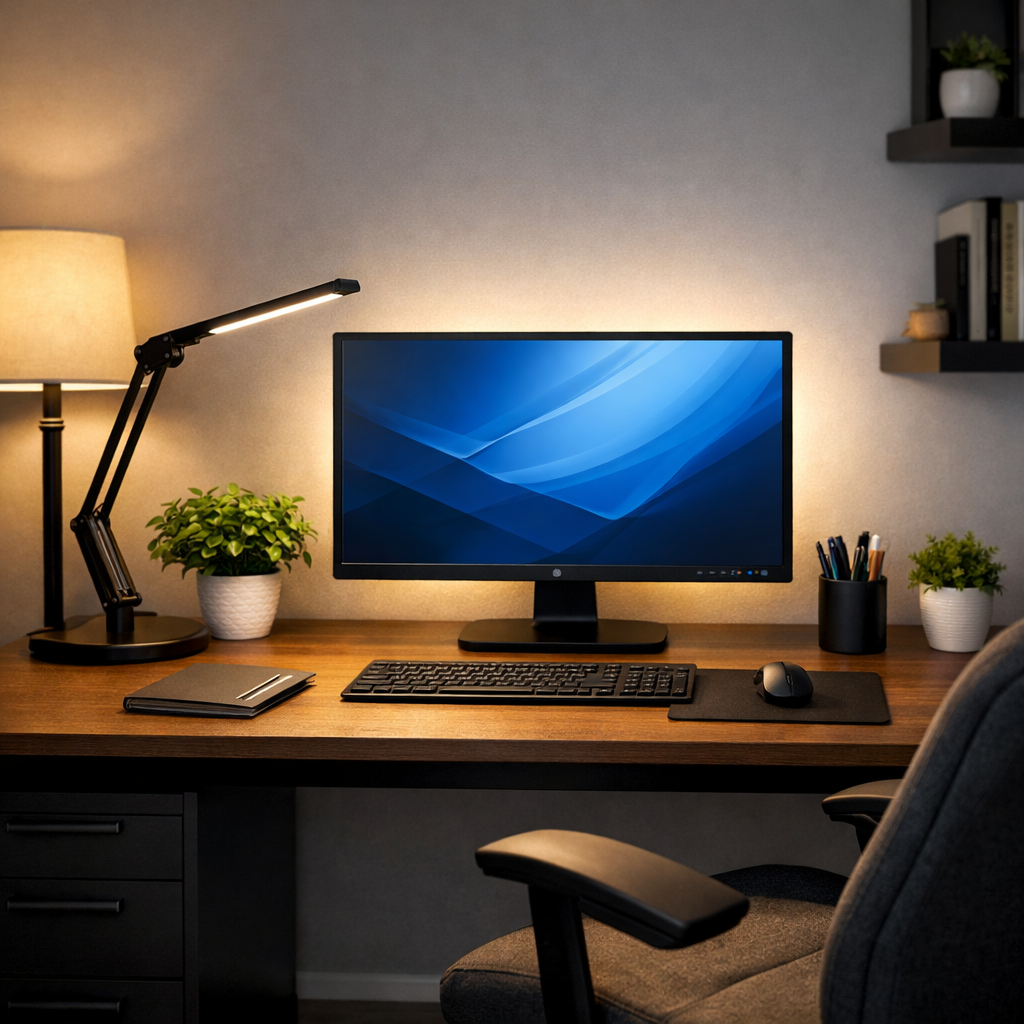
Ever get a headache or blurry vision after only an hour at your computer?
Most people immediately blame the monitor.
But surprisingly, your screen is rarely the real problem.
The true cause of computer eye strain is usually your room lighting.
Digital eye fatigue happens when your eyes constantly adjust between a bright screen and a poorly lit environment. When your room is too dark, too bright, or unevenly lit, your eye muscles work overtime trying to compensate.
The good news?
You don’t need new glasses.
You don’t need to stop using your computer.
You just need to fix your lighting.
This guide will show you simple changes you can make today to dramatically reduce eye strain and headaches while working at your desk.
Why Your Lighting Setup Is Causing Eye Strain (Not Your Monitor)
Your monitor produces stable, consistent light.
Your room does not.
Eye strain happens when your eyes constantly adapt to changing brightness levels around your screen.
The real causes:
• Dark room + bright screen
• Overhead glare on monitor
• Harsh white ceiling lights
• Light reflections on the display
When the surrounding environment conflicts with your screen brightness, your eyes continuously refocus. That repeated adjustment causes fatigue, headaches, and blurred vision.
Understanding the Lighting Problems That Trigger Digital Eye Fatigue
Overhead Lighting Creates Screen Glare
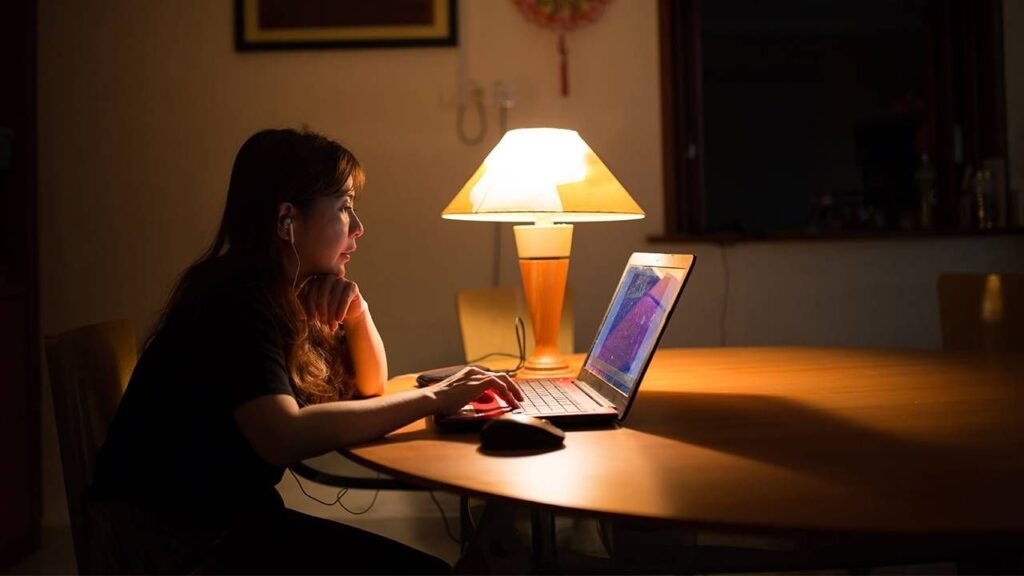
Ceiling lights often reflect directly onto your monitor.
Your eyes then try to focus through both the glare and the content — exhausting your visual muscles.
Insufficient Ambient Light Forces Your Eyes to Overwork
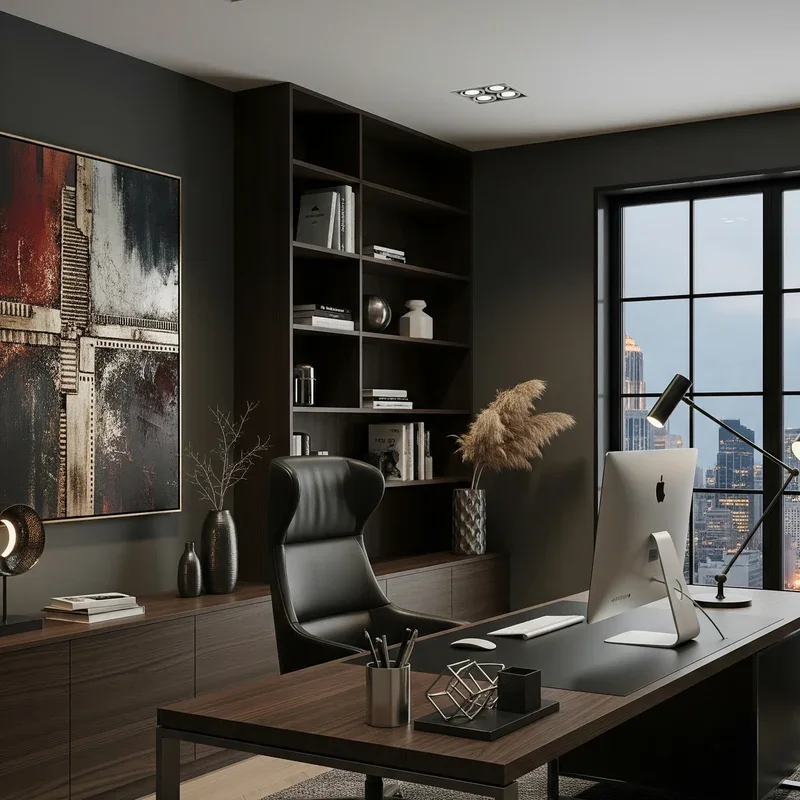
This is actually the #1 cause of digital eye strain.
When your room is dark but your monitor is bright, your pupils constantly expand and contract. That nonstop adjustment is what causes headaches.
Mismatched Color Temperatures
If your screen emits cool blue light but your room uses warm yellow lighting, your brain and eyes continuously compensate. Over hours of work, that leads to fatigue and blurry focus.
The Real Fix: Lighting Products That Actually Work
LED Desk Lamps (Most Important Upgrade)
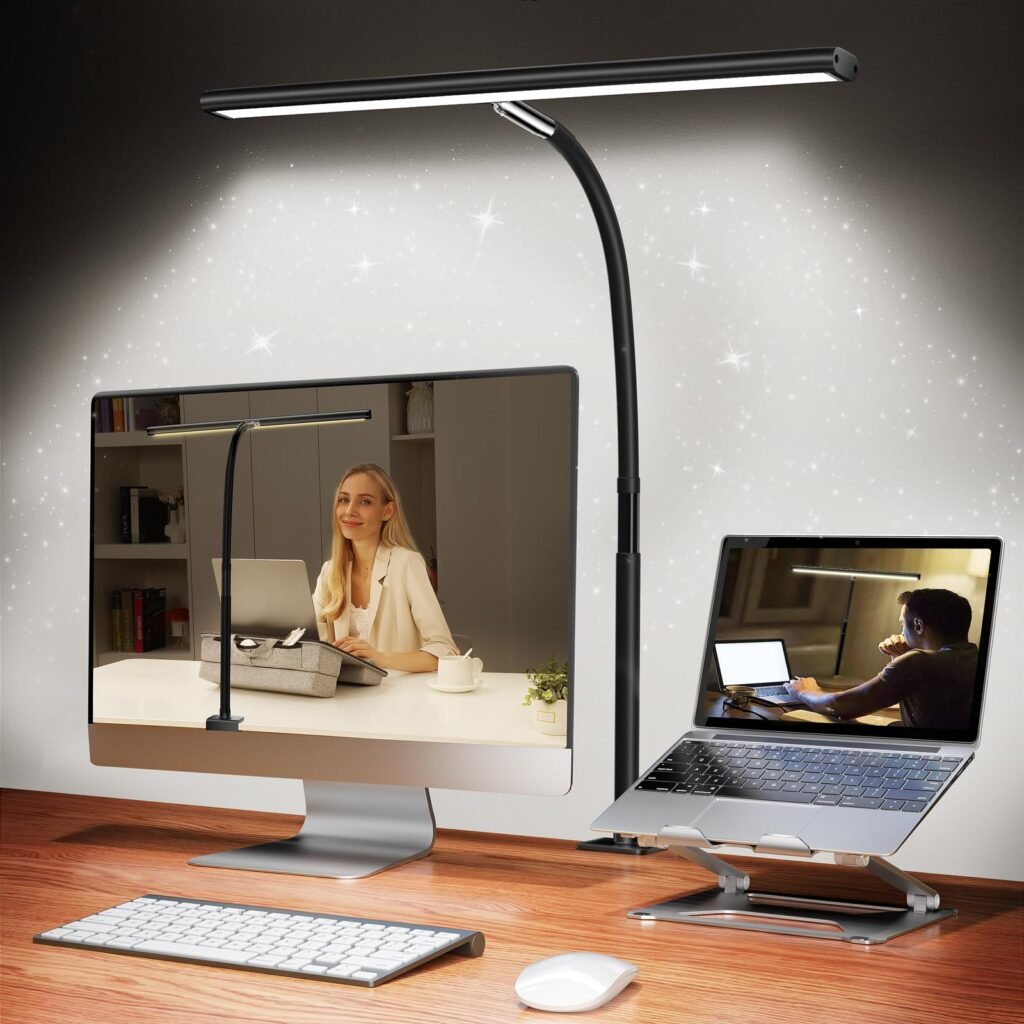
A proper desk lamp balances brightness between your screen and your environment.
Look for:
• Adjustable brightness
• Adjustable color temperature
• Diffused light (not exposed bulbs)
Monitor Light Bars (Instant Relief)
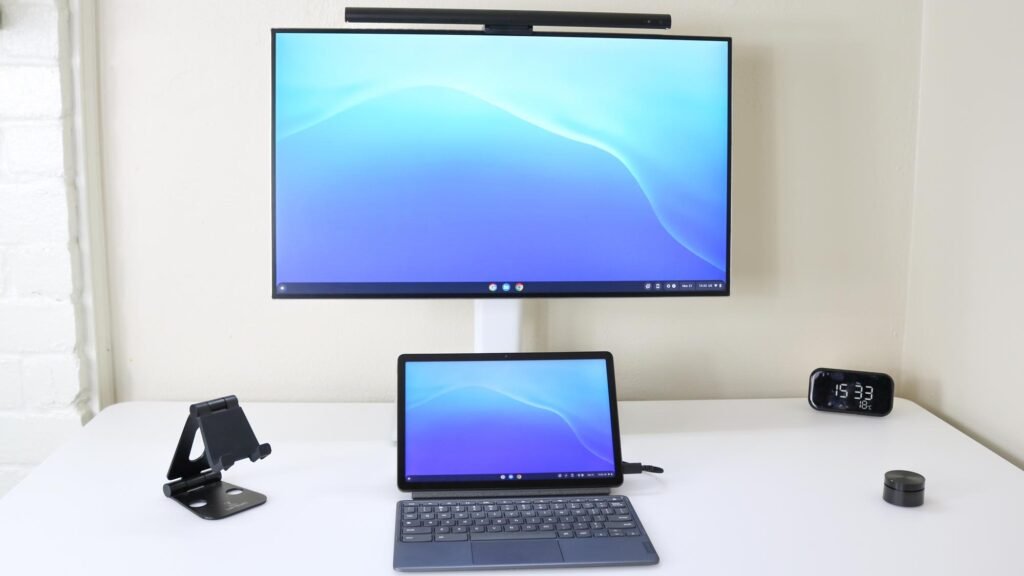
These mount on top of your monitor and shine light downward — not into your eyes.
They eliminate contrast between screen and room lighting almost immediately.
Bias Lighting Behind the Monitor
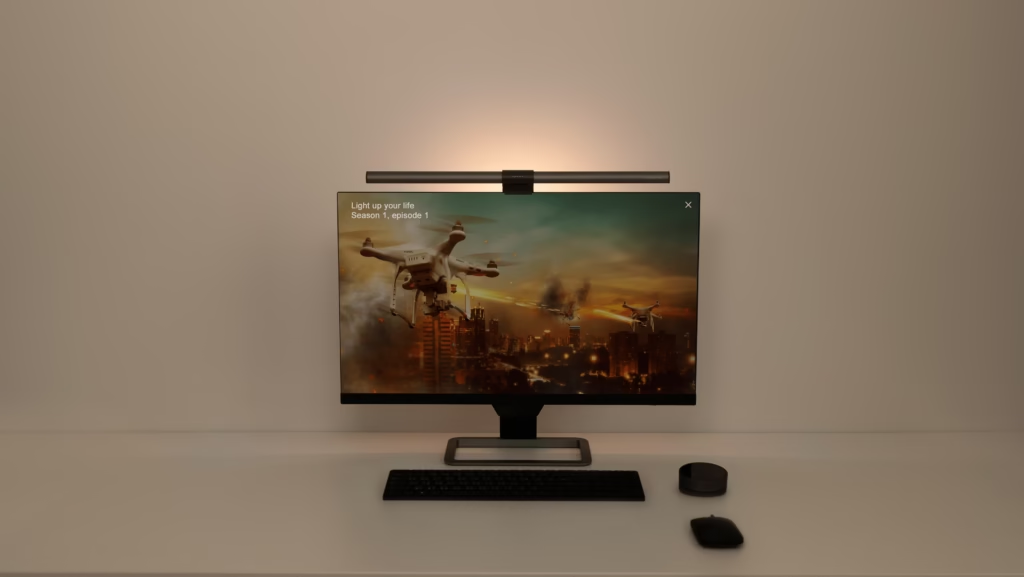
Bias lighting softly illuminates the wall behind your monitor.
This reduces contrast and dramatically lowers visual fatigue during long sessions.
Essential Features Your Lighting Should Have
Color Temperature: 3000K – 5000K
Brightness Control: Dimmable
Technology: Flicker-free LED
Color Rendering: CRI 90+
These features prevent your eyes from constantly refocusing.
How to Set Up Your Lighting (Very Important)
- Place your desk lamp to the side of your monitor — not behind it
- Never sit in a completely dark room
- Add soft lighting behind the screen
- Avoid overhead lights directly above your monitor
- Match room brightness to screen brightness
Simple Habit That Helps More Than You Think
Follow the 20-20-20 rule:
Every 20 minutes
Look 20 feet away
For 20 seconds
This relaxes your eye muscles and prevents Computer Vision Syndrome.
Conclusion
Your screen isn’t ruining your eyes.
Your lighting is.
Most people try blue-light glasses, eye drops, or new monitors — but the real fix is simply balancing your workspace lighting. Once your room light matches your screen brightness, eye strain drops dramatically.
A small lighting change can eliminate headaches, improve focus, and make long computer sessions comfortable again.
MarketPlazaNow.com participates in affiliate programs and may earn a commission from qualifying purchases. This content is for informational and educational purposes only and is not medical advice.