If your eyes feel tired, dry, or strained after working on your computer… your lighting setup is probably the problem.
Most people focus on their chair, desk, or monitor — but lighting plays a huge role in comfort, focus, and productivity.
The right lighting setup can:
- Reduce eye strain
- Improve focus and energy
- Prevent headaches
- Make your workspace feel more comfortable
Let’s fix your setup the right way.
💡 Why Lighting Matters More Than You Think
Bad lighting creates contrast between your screen and surroundings, forcing your eyes to constantly adjust.
This leads to:
- Eye fatigue
- Blurry vision
- Headaches
- Poor focus
Good lighting keeps your environment balanced so your eyes don’t have to work overtime.
🔥 The Best Lighting Setup for Computer Work
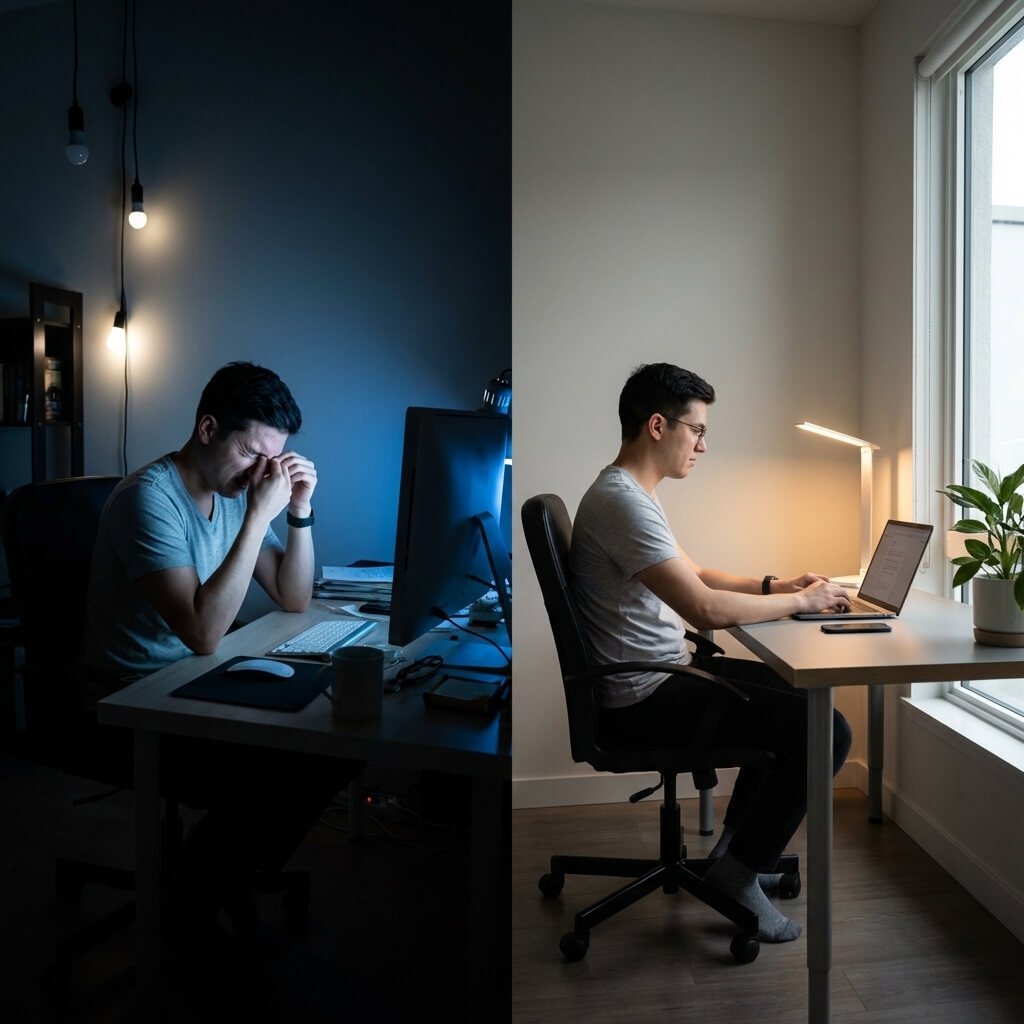
Here’s the ideal setup you want:
1. Use a Soft Desk Lamp (Not Overhead Lights)
Overhead lighting can be harsh and create glare on your screen.
Instead:
- Use a soft LED desk lamp
- Position it to the side of your monitor
- Avoid shining it directly into your eyes or screen
👉If your desk setup isn’t comfortable yet, start by improving your overall workspace ergonomics
2. Choose the Right Color Temperature
Lighting color matters a LOT.
- Warm light (3000K–4000K): Best for comfort and long sessions
- Cool light (5000K–6500K): Better for focus and productivity
👉 Best setup:
Use adjustable lighting so you can switch between both.
3. Avoid Screen Glare Completely
Glare is one of the biggest causes of eye strain.
To fix it:
- Position lights beside your screen (not behind or in front)
- Use matte screens if possible
- Adjust brightness to match your room lighting
4. Add Ambient Background Lighting
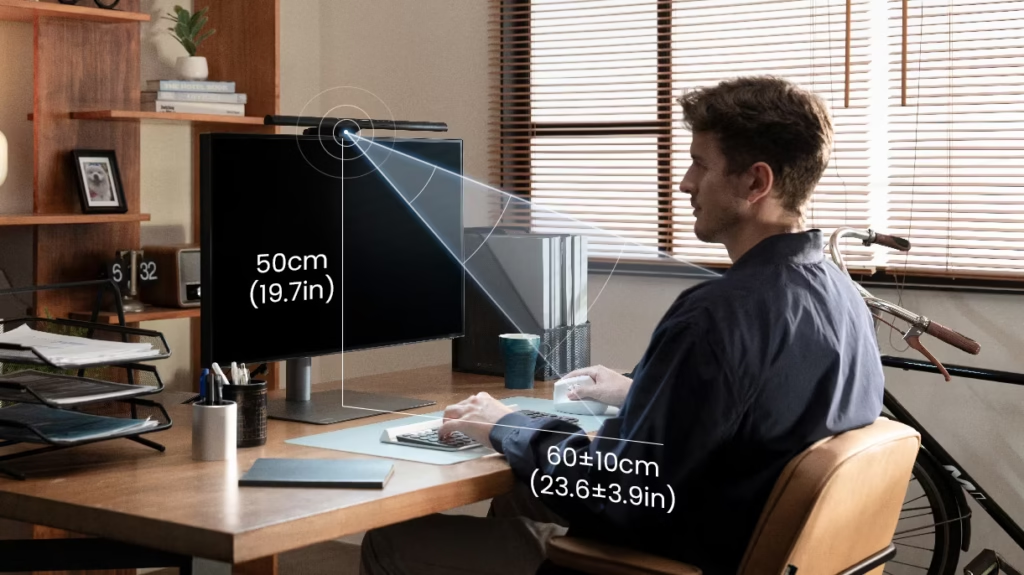
Working in a dark room with a bright screen is one of the worst things you can do.
Instead:
- Add soft background lighting behind your desk
- Use wall lights, LED strips, or lamps
This reduces contrast and keeps your eyes relaxed.
5. Use Adjustable Lighting for Flexibility
Your lighting should adapt to your needs.
Look for:
- Adjustable brightness
- Multiple color modes
- Flexible positioning
👉If you’re dealing with eye strain, upgrading your desk lighting can make a big difference.
⚡ Quick Lighting Setup Checklist
✔ Desk lamp (soft LED, adjustable)
✔ No direct glare on screen
✔ Warm + cool light options
✔ Ambient background lighting
✔ Balanced brightness with screen
🧠 Pro Tip (Most People Ignore This)
Match your screen brightness to your room lighting.
If your screen is way brighter than your room → eye strain increases fast.
🏆 Final Thoughts
A proper lighting setup is one of the easiest upgrades you can make — but it has a massive impact.
Once you fix your lighting:
- Your eyes feel better
- You stay focused longer
- Your workspace feels more comfortable
Small change… big difference.