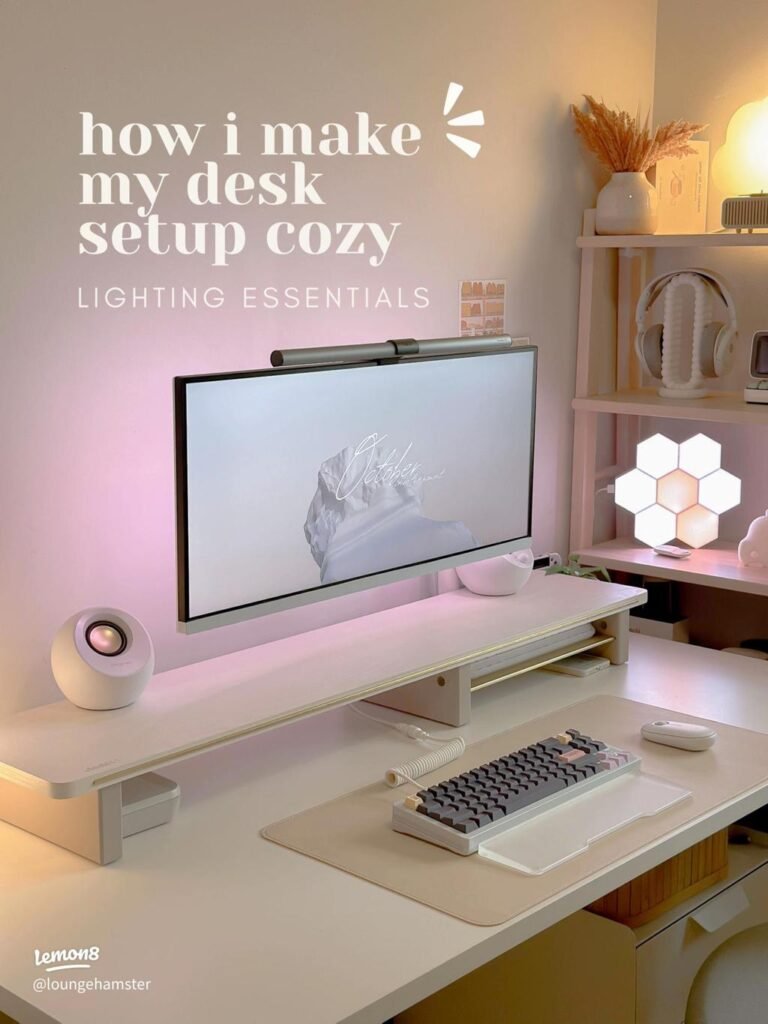
Discover the best desk lighting setup to reduce eye strain and improve comfort. Simple adjustments that make a big difference.
If your eyes feel tired after working on your computer, your lighting setup might be the real problem — not your screen.
Most people think brighter light is better. But in reality, bad lighting causes more strain than low lighting.
The good news? You don’t need expensive equipment. Just a few simple changes can completely transform your workspace comfort.
Why Your Current Lighting Is Causing Eye Strain
Eye strain usually comes from contrast imbalance.
Here’s what that means:
- Bright screen + dark room = strain
- Bright lamp + dim screen = strain
- Light hitting your eyes directly = strain
Your eyes are constantly adjusting — and that’s what causes fatigue.
The Best Desk Lighting Setup (Step-by-Step)
1. Use Side Lighting — Not Front Lighting
Your desk lamp should sit beside you, not directly in front.
- Right-handed? Place lamp on the left
- Left-handed? Place lamp on the right
This prevents shadows and reduces glare.
2. Angle the Light Away From Your Eyes
Your lamp should point:
- Toward your desk surface
- NOT toward your face
- NOT directly at your screen
Example of Correct Lighting Position
ALT: correct desk lamp placement reducing glare and eye strain
3. Match Screen Brightness With Room Light
This is where most people mess up.
👉 Your screen should blend with your environment, not stand out.
If your screen looks like a flashlight in a dark room — that’s the problem.
4. Use Warm or Neutral Light (Not Harsh White)
Cool white light can feel sharp and uncomfortable over time.
Instead use:
- Warm white (3000K–4000K)
- Soft neutral tones
This reduces eye tension and creates a calmer workspace.
5. Add Background Lighting (Hidden Secret)
This is the game changer most people miss.
A small light behind your monitor:
- Reduces contrast
- Makes your screen easier to look at
- Instantly improves comfort
Simple Upgrade That Changes Everything
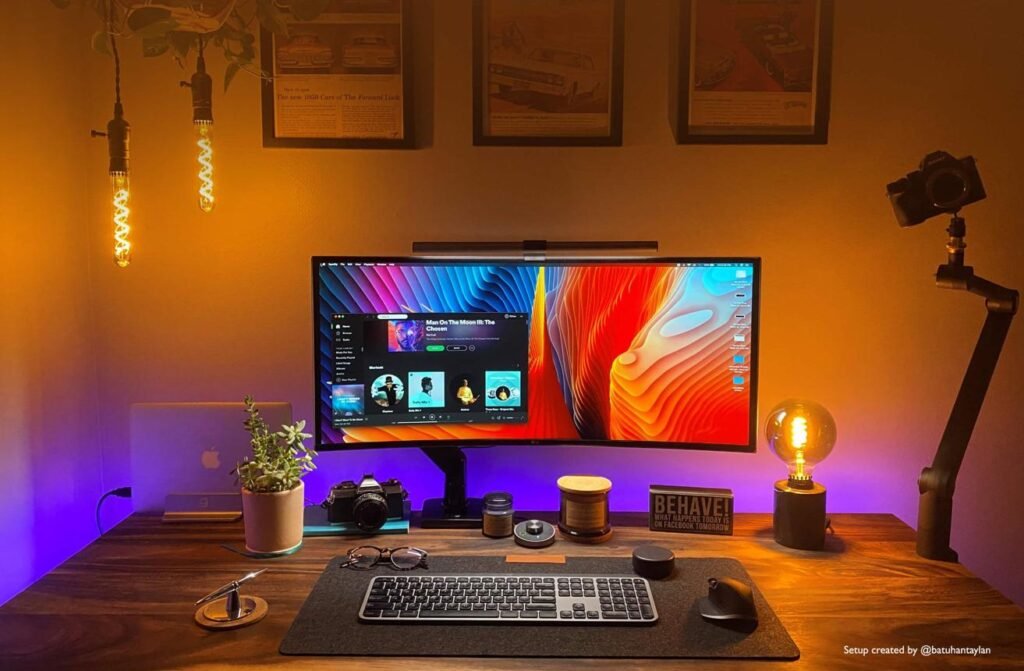
ambient lighting behind monitor to reduce eye strain
Common Lighting Mistakes to Avoid
- Lamp pointing directly at your face
- Working in a completely dark room
- Overpowering your screen with bright light
- No background lighting at all
Even one of these can cause discomfort.
How to Know If Your Setup Is Correct
Your lighting is right if:
- Your eyes feel relaxed after long sessions
- No squinting or dryness
- No glare on your screen
- Your workspace feels “balanced”
Want to Take It One Step Further?
Comfort isn’t just lighting — your whole desk setup matters.
Final Thoughts
Fixing eye strain doesn’t require buying more — it requires adjusting what you already have.
Small changes in lighting can make a massive difference in:
- Comfort
- Focus
- Productivity
Once you get your lighting right, you’ll feel it immediately.
This post may contain affiliate links. If you purchase through these links, we may earn a small commission at no extra cost to you.