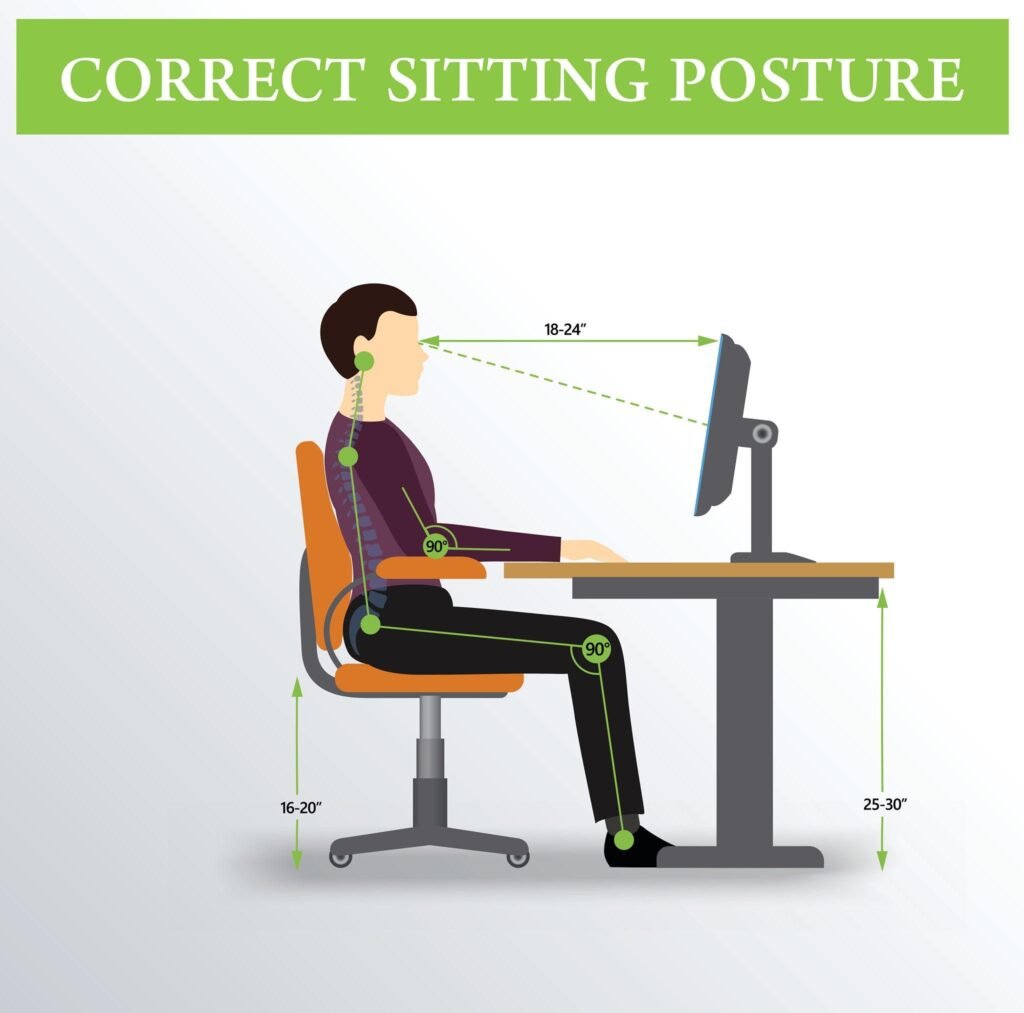
Could your favorite office chair actually be harming your health?
Many people ignore small aches while working on a computer until they slowly turn into daily neck stiffness, shoulder tension, and lower-back pain. Long hours at a desk don’t just cause discomfort — they quietly affect energy, focus, and productivity.
An ergonomic desk setup is not about luxury or fancy equipment. It is about protecting your spine, maintaining concentration, and preventing long-term problems.
In this guide, you’ll learn how to sit properly at a desk, how to position your monitor and keyboard, and how to create a comfortable workspace that supports your body throughout the day.
Why Proper Desk Posture Matters for Your Health
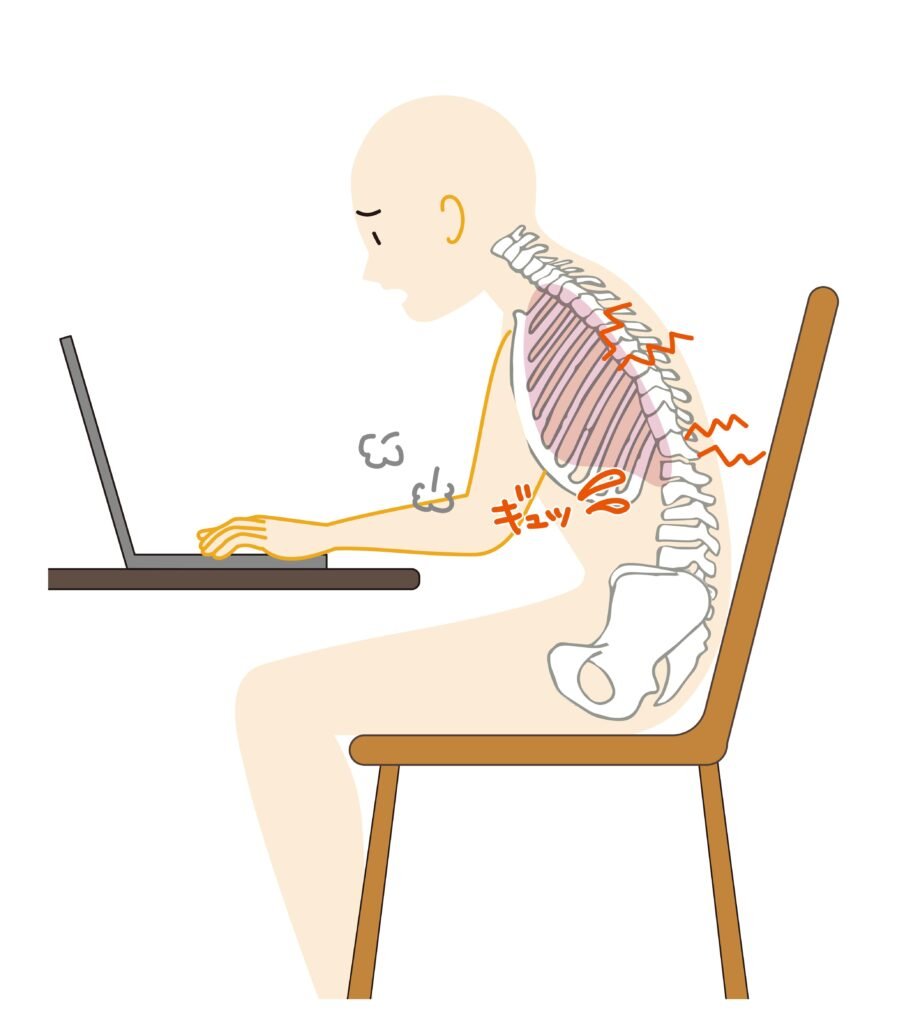
When posture is wrong, your body compensates. Over time this leads to:
Neck pain
Lower-back pain
Shoulder tightness
Wrist strain
Fatigue while working
Poor posture also reduces blood circulation and forces muscles to stay active all day, which drains energy and concentration.
Good posture, on the other hand:
Reduces muscle strain
Improves focus
Prevents chronic pain
Helps you work longer without discomfort
The Fundamentals of Correct Computer Posture
The Neutral Spine Position
Your spine naturally forms an “S” curve.
When sitting, you should not be perfectly straight and rigid — you should be supported.
Your chair should support your lower back so your spine keeps its natural shape.
The 90-Degree Rule
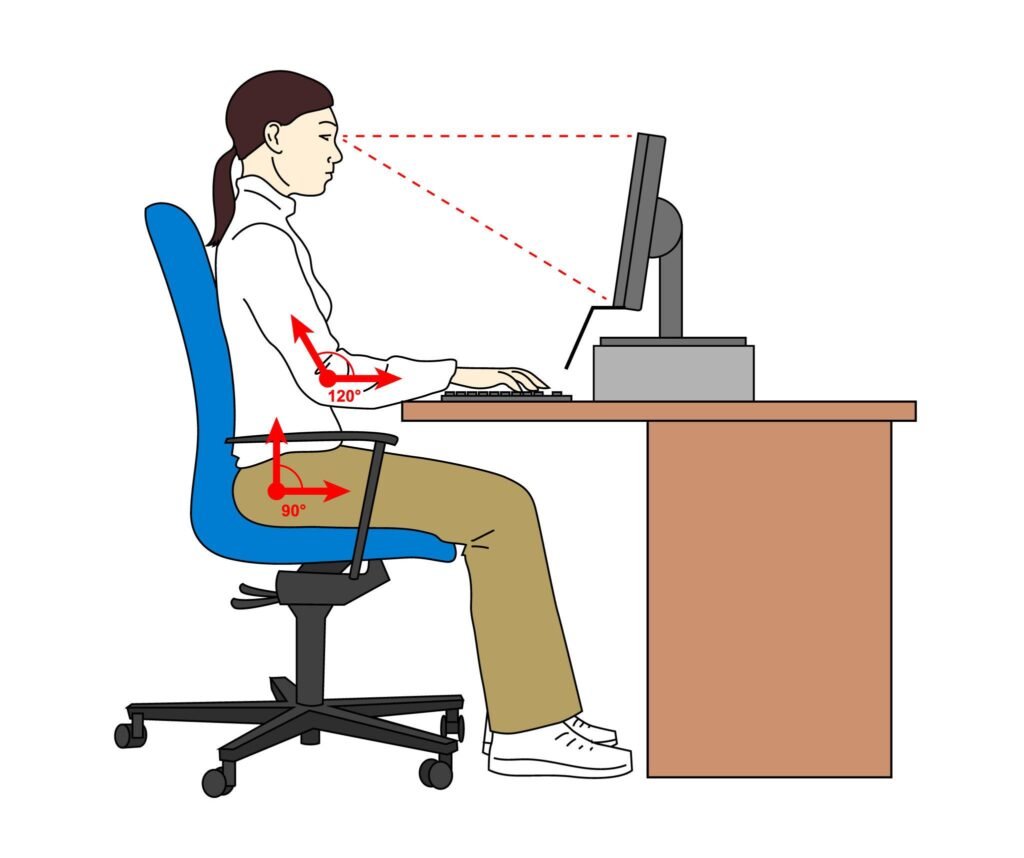
Your body should follow these angles:
Elbows: about 90°
Knees: about 90°
Hips: slightly above knees
Feet: flat on the floor
This prevents pressure on joints and muscles.
Eye Level & Screen Distance
Your monitor should be:
About an arm’s length away
Top of screen at eye level or slightly below
If your screen is too low → neck bends forward.
If too high → neck tilts upward.
Both cause pain.
Essential Equipment for an Ergonomic Desk Setup
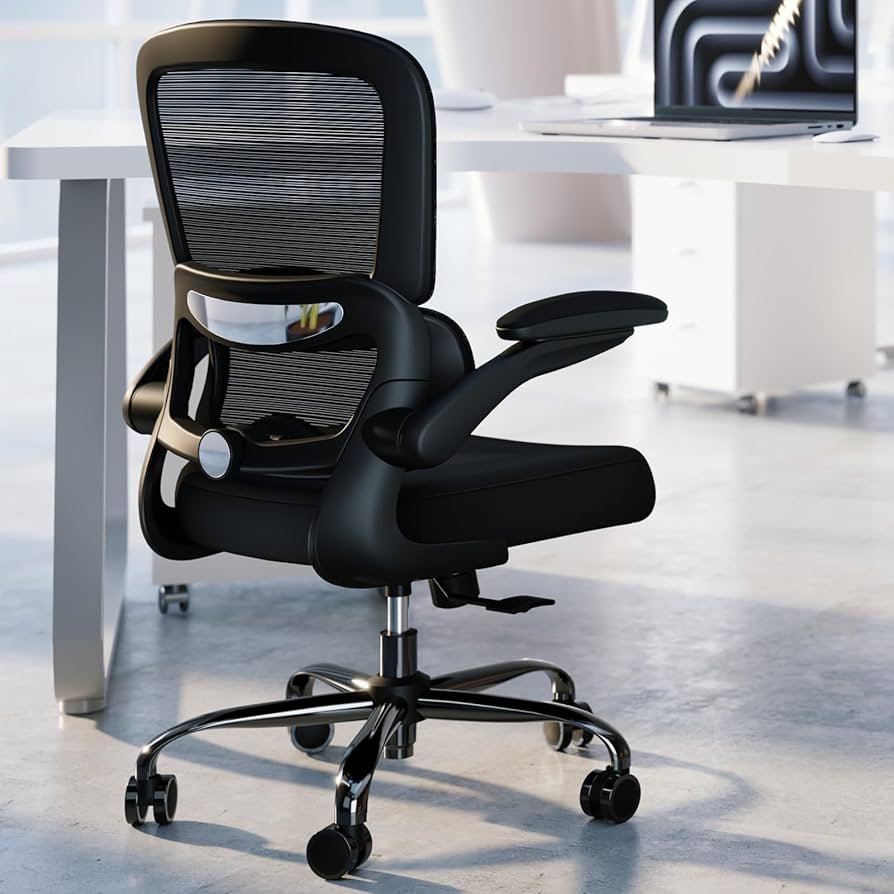
You don’t need an expensive office — just the right positioning tools.
Helpful items include:
Ergonomic office chair with lumbar support
Monitor stand or arm
Keyboard positioned at elbow height
Mouse close to the body
👉 If you want a full layout example, see our desk setup ideas guide:
Step-By-Step: How to Sit Properly at a Desk
1. Adjust Chair Height
Feet flat on floorKnees at or slightly below hips
Leave 2–3 inches between knees and seat edge
2. Position Your Monitor
Directly in front of you
20–25 inches away
Top of screen at eye level
3. Keyboard & Mouse
Keyboard centered
Wrists straight
Mouse close to keyboard
4. Support Lower Back
Use built-in lumbar support or a small cushion behind your lower back.
5. Foot Position
Do NOT:
Cross legs
Tuck feet under chai
Keep both feet grounded.
Common Posture Problems (and Fixes)

Forward Head Posture → raise monitor
Rounded Shoulders → bring keyboard closer
Lower Back Pain → lumbar support
Wrist Pain → keep wrists straight
Sitting vs Standing (Which Is Better?)
Neither sitting nor standing all day is ideal.
Best approach:
Alternate every 30–60 minutes
Movement matters more than position.
Conclusion
Learning how to sit properly at a desk is one of the simplest ways to prevent daily pain and improve productivity. Small adjustments — monitor height, chair position, and keyboard placement — make a major difference.
Your workspace should support your body, not fight it.
Once your posture is correct, you’ll notice less fatigue, fewer headaches, and better concentration during the workday.
MarketPlazaNow.com participates in affiliate programs. This means we may earn a small commission.