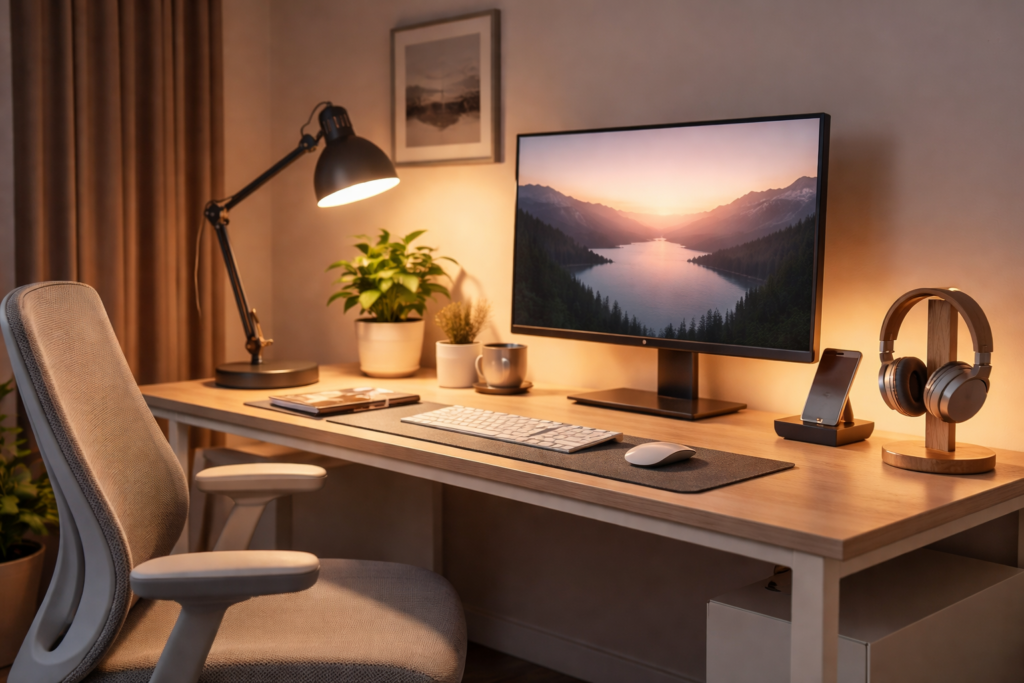
Discover the best desk lighting setup for eye comfort. Reduce eye strain fast with simple positioning, brightness, and color tips.
If your eyes feel tired, dry, or strained after working at your desk, your lighting setup could be the problem.
The good news? You don’t need expensive equipment to fix it. A few simple adjustments can dramatically improve eye comfort and reduce strain almost immediately.
💡 Why Desk Lighting Matters for Eye Comfort
Poor lighting forces your eyes to work harder than they should.
Common problems include:
- Glare bouncing off your screen
- Lighting that’s too bright or too dim
- Harsh overhead lights
- Strong contrast between your screen and surroundings
This leads to:
- Eye fatigue
- Headaches
- Blurry vision
- Reduced focus
A proper lighting setup creates a balanced environment so your eyes can relax.
🛠️ The Best Desk Lighting Setup (Step-by-Step)
1. Use Soft, Indirect Lighting
Avoid shining light directly into your eyes or onto your screen.
Instead:
- Position your lamp to the side of your monitor
- Angle light toward your desk, not your face
- Use diffused or shaded lighting
👉 If you’re unsure about positioning, this guide shows the ideal setup:
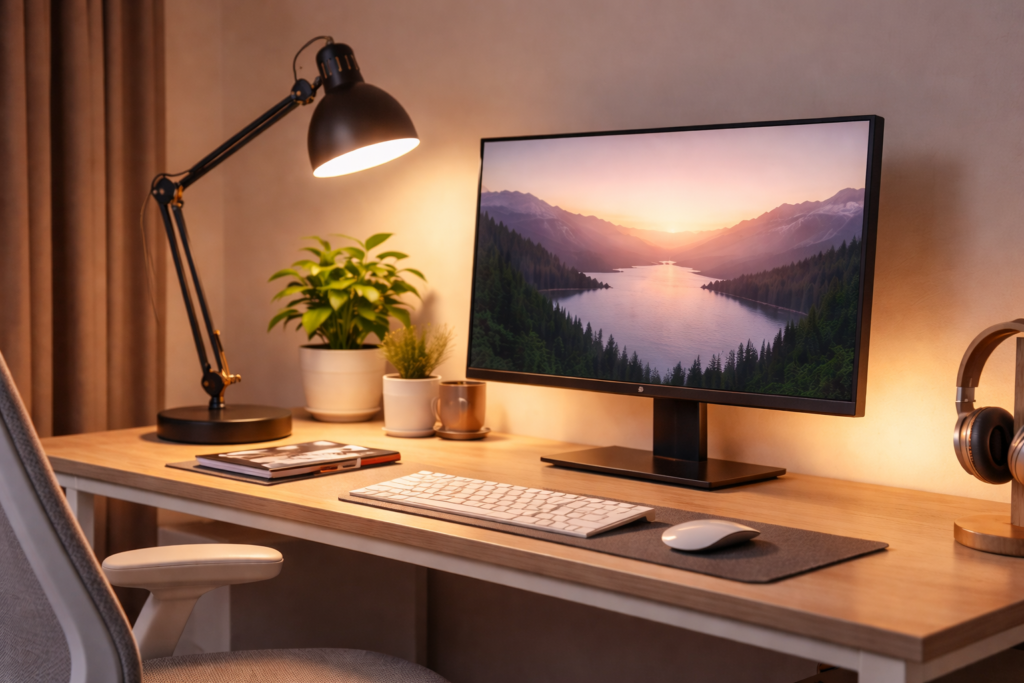
Correct desk lamp position for reducing eye strain
2. Match Screen Brightness to Your Room
Your screen should not be dramatically brighter than your surroundings.
Quick fix:
- Lower screen brightness at night
- Increase ambient lighting during the day
Balanced lighting = less strain.
3. Choose the Right Color Temperature
Lighting color plays a big role in eye comfort.
Best options:
- Warm light (2700K–3000K) → relaxing, low strain
- Neutral light (3500K–4000K) → best for productivity
Avoid:
- Harsh blue-white light for long hours
4. Reduce Glare Immediately
Glare is one of the biggest causes of eye strain.
Fix it fast:
- Move your lamp so it doesn’t reflect on your screen
- Adjust monitor angle slightly
- Avoid placing lights directly behind you
👉 You can also improve your entire setup with this:
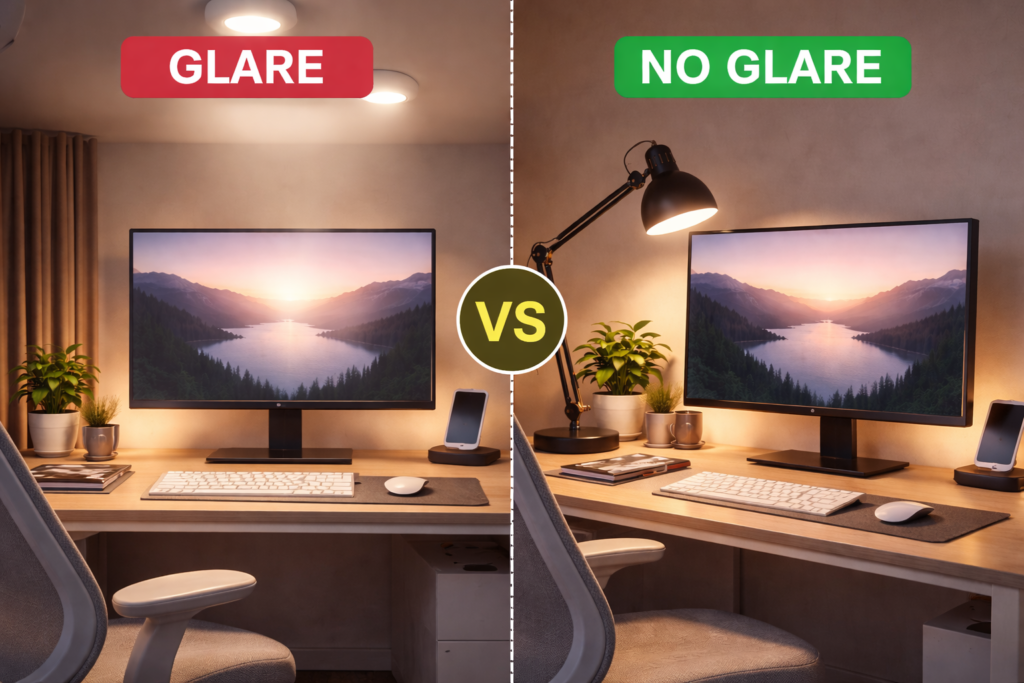
Glare vs no glare desk lighting comparison
5. Add Background Lighting
Working in a dark room with a bright screen is a major mistake.
Instead:
- Add a soft light behind or beside you
- Use ambient lighting to reduce contrast
This makes screen time much easier on your eyes.
⚡ Quick Eye Comfort Checklist
Use this to fix your setup in minutes:
✔ Lamp placed to the side
✔ No glare on screen
✔ Soft, diffused lighting
✔ Balanced screen brightness
✔ Warm or neutral light tone
Even one or two changes can make a noticeable difference.
🧠 Why This Setup Works
Your eyes constantly adjust to light levels.
When your environment is balanced:
- Less strain on eye muscles
- Fewer headaches
- Better focus
- Longer comfortable work sessions
This is why proper lighting is just as important as your chair or desk.
🔚 Final Thoughts
If you’re dealing with eye strain, don’t ignore your lighting setup.
Small changes can lead to:
- Immediate relief
- Better productivity
- Less fatigue throughout the day
Start with lamp positioning and brightness — those alone can make a huge difference.
This post may contain affiliate links. If you purchase through these links, we may earn a small commission at no extra cost to you.