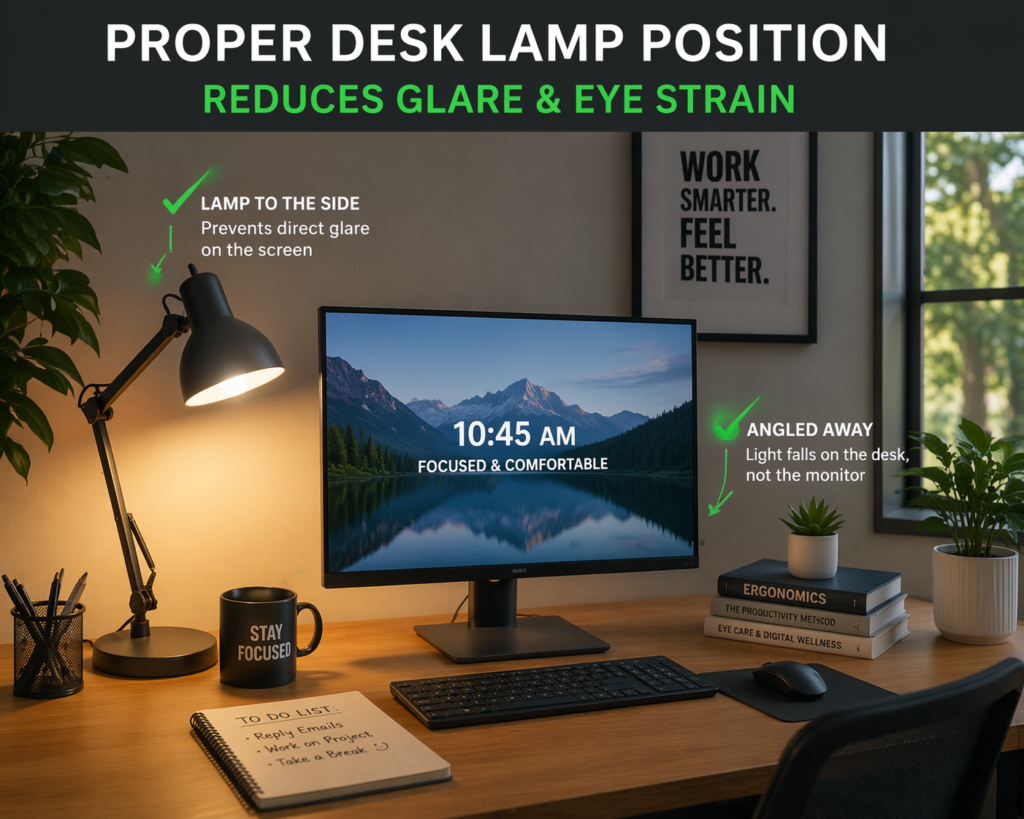
Learn the best desk lamp position to reduce eye strain and improve comfort while working. Simple setup tips that make a big difference.
If your eyes feel tired, dry, or strained after working at your desk, your lighting setup could be the problem.
The good news?
👉 A simple change in your desk lamp position can instantly improve comfort and reduce eye strain.
Let’s fix it.
🔍 Why Desk Lamp Position Matters
Most people think brightness is the issue — but positioning is just as important.
When your lamp is placed incorrectly, it can cause:
- Glare on your screen
- Harsh shadows
- Uneven lighting
- Eye fatigue over time
👉 If your lighting isn’t set up properly, even the best lamp won’t help.
💡 Best Desk Lamp Position for Eye Comfort
The ideal desk lamp setup is simple:
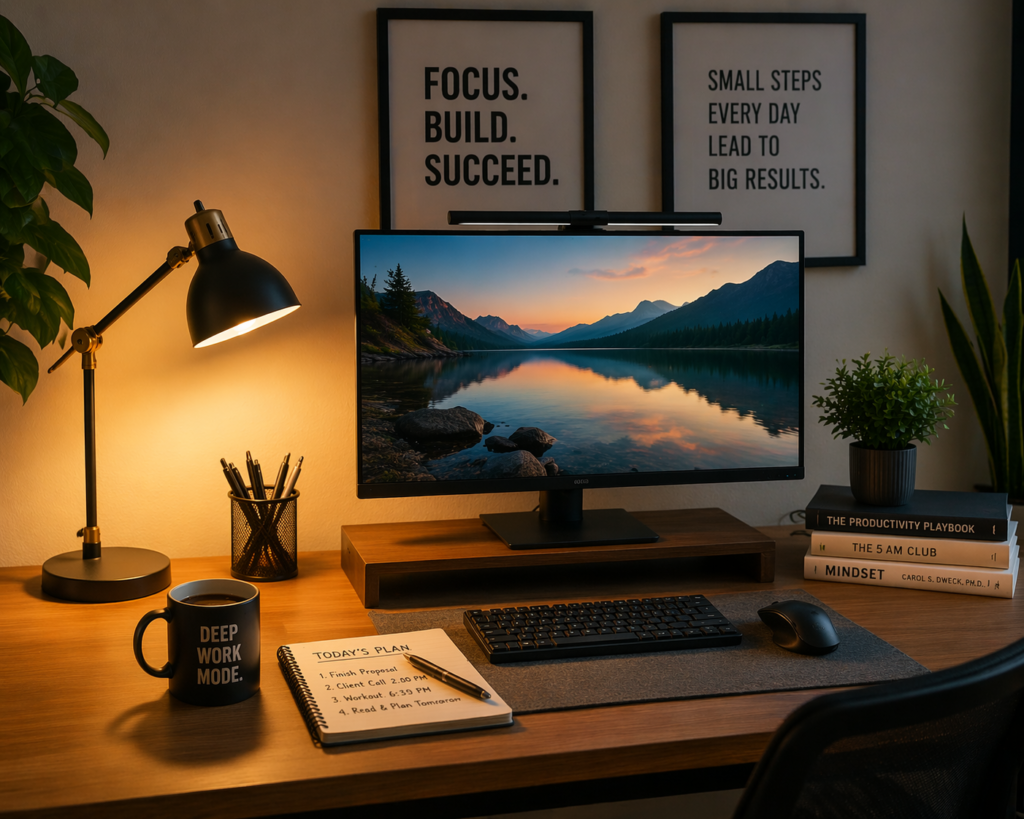
✔️ Place the Lamp to the Side of Your Monitor
- Position your lamp to the left or right of your screen
- Keep it slightly behind your line of sight
- This prevents direct light hitting your eyes
👉 For a complete comfort setup, you can also follow this guide on how to sit properly at your desk:
✔️ Angle the Light Away From Your Screen
- Tilt the lamp so light hits your desk—not your monitor
- Avoid reflections or bright spots on your screen
👉 If you’re still struggling with glare, this guide breaks it down further:
✔️ Use Indirect, Soft Lighting
- Choose warm or neutral light
- Avoid overly bright, harsh lighting
- Diffused light is best for long work sessions
❌ Worst Desk Lamp Positions to Avoid
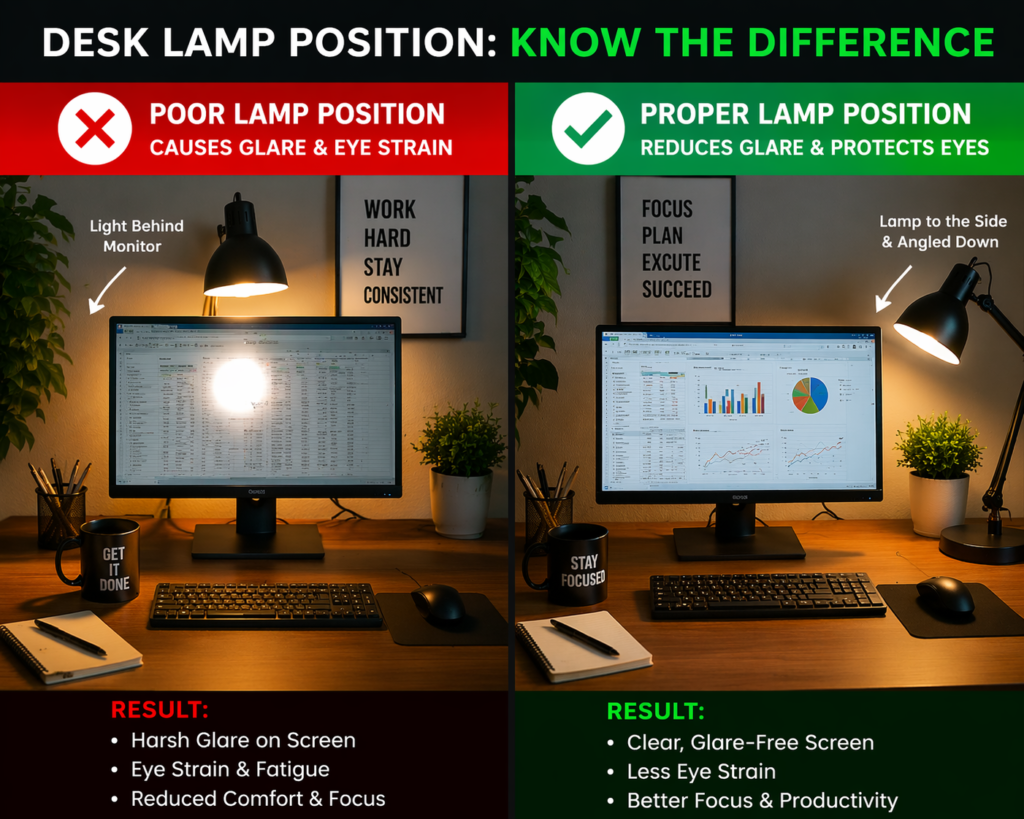
Avoid these common mistakes:
- ❌ Lamp directly behind your monitor
- ❌ Light shining straight into your eyes
- ❌ Overhead-only lighting with no desk lamp
- ❌ Lamp too close to your screen
These setups increase eye strain quickly—even if your lamp is high quality.
🧠 Pro Tip: Match Your Setup to Your Dominant Hand
- Right-handed? → Place lamp on the left side
- Left-handed? → Place lamp on the right side
This prevents shadows while writing or typing.
⚡ Quick Setup Checklist
Use this simple checklist:
✔️ Lamp placed to the side
✔️ Light angled downward
✔️ No glare on screen
✔️ Soft, diffused lighting
✔️ Comfortable brightness
If you check all of these—you’re set up correctly.
🛠️ Final Thoughts
You don’t need an expensive setup to reduce eye strain.
👉 Small adjustments like lamp position can make a huge difference immediately
Fix your lighting, and you’ll notice:
- Less eye fatigue
- Better focus
- More comfortable work sessions
This post may contain affiliate links. If you make a purchase, we may earn a commission at no extra cost to you.